Explore detailed 3D skeletal and muscular system models. Rotate, zoom, and dissect layers to view internal structures. Access a drawing gallery with anatomical references. Purchase additional muscular system content.
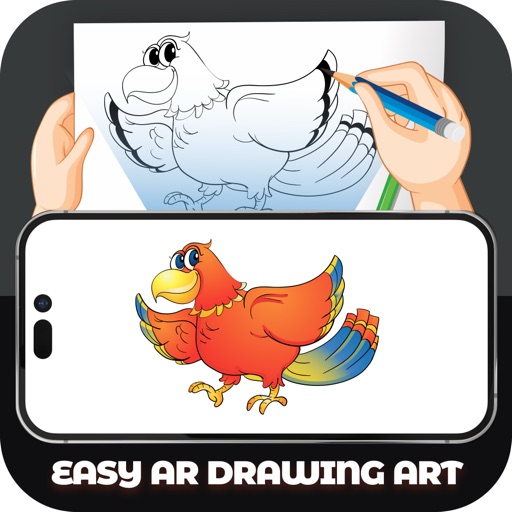
The app allows users to draw by placing paper on an Osmo stand in front of an iPad. Users can select images from a picture, web search, or gallery to draw.
Create digital art with layers, brushes, and customizable palettes. Import images and vector graphics. Save and export in various formats. Access tutorials and community features. No ads during use. One-time purchase for permanent access.
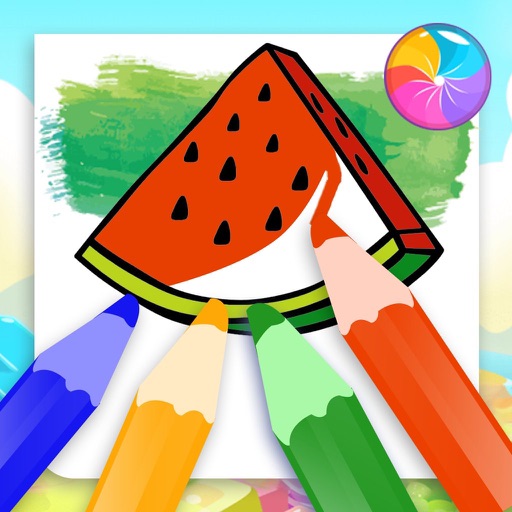
Pages feature -themed images for children to color. Users can select and apply colors to drawings. Options include drawing freehand or using pre-set tools. Save and share completed artwork.
Handwriting or select fonts to create hand-drawn sketches. Use digital tools to refine strokes and adjust details. Export sketches as images or share directly. Sync with physical paper for stencilling and drawing.
Allows children to color and draw on interactive pages. Includes paint tools, color selection, and animal or nature scenes. Features motor skills development and creative expression through doodling and painting activities.
Draw with a partner using a shared theme and time limit. Split into face and body sections. Use a RoomID to join or create a session. Share drawings and compare results.
Create and color images of animals like dolphins, bats, and lions. Use tools and brushes to customize artwork. Access a variety of pages and prompts. Save and share creations. Learn basic techniques through interactive lessons.
Create drawings using colors and effects. Select from animated characters and scenes. Add stickers and animations. Save and share creations. Explore themed pages featuring animals, unicorns, desserts, and kawaii characters.