Allows users to import scripts and control text scrolling speed. Features include adjustable text settings, video recording with scrolling text overlay, and customizable effects for presentations or social media content.
Multiple images simultaneously with customizable pixel dimensions. Choose from four modes including fixed width, fixed height, maximum pixel, aspect fill, or aspect fit. Export resized images in selected formats.
Create portraits that reflect personal style with customizable and synthesis tools. Adjust images using blur, resize, and text overlay features. Share edited photos directly to Twitter.
Edit photos filters, effects, and adjustments. Apply brightness, contrast, saturation, sharpness, blur, and focus. Crop, resize, and rotate images. Add masks, text multiple colors and fonts, and . Share photos via Facebook, Twitter, or email.
Convert black and white images to using selective recoloring. Select photos from the gallery or capture new ones. Pan and zoom for precise editing. Resize and fit images to the screen. Use redo and undo features for error correction.
Display messages in large, clear text with automatic resizing. Save all cards permanently and access favorites quickly. Swipe to navigate and shake to save or erase messages instantly.
Create geometric art by rotating, spinning, and zooming the . Capture and save images or record video loops. Share creations directly or save to device.
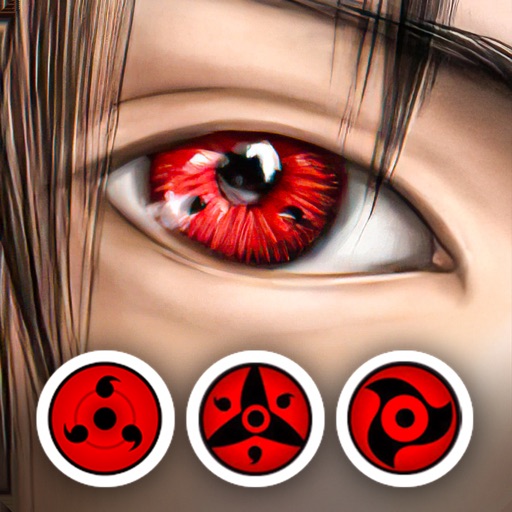
Edit photos by applying lenses and eye effects. Choose from various eye types and colors. Add red circles for a hypnotic effect. Drag and adjust lenses for custom placement. Share edited photos directly.
Take high quality photos and videos using triple and dual systems. Adjust exposure and use 10x zoom for both photos and videos. Record HDR videos with real time zoom and smooth focus. Switch between lenses automatically or manually.
Controls effects using camera flash or screen. Adjusts intensity based on volume. Allows customization of frequency settings to focus on bass, treble, or specific ranges.
Create collages by adding photos and selecting aspect ratios. Choose landscape or portrait orientation. Add text to the collage. Shuffle for new layouts. Adjust design elements for customized results.
Record screen and face simultaneously without editing. Add a floating camera window that stays on top of any . Capture reactions, gameplay, or explanations in one take. Adjust window size and position during recording.
Edit photos with one-tap auto enhance and apply hundreds of filters and . Add stickers, frames, and text. Adjust brightness, contrast, color temperature, and saturation. Crop, rotate, and straighten images. Sharpen or blur details.