Edit videos with trimming, splitting, and cutting tools. Add transitions, text, and stickers. Apply filters and effects. Export in high quality. Share directly to social media platforms.
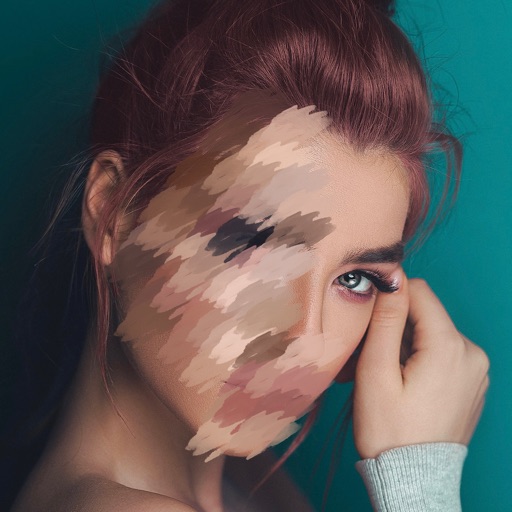
Apply effects to videos to obscure faces, logos, or background objects. Use auto-tracking for quick blurring. Define multiple areas with ellipse or rectangle shapes. Export blurred videos for YouTube, TikTok, and other social media platforms.
Blur faces or sensitive information with a single tap. Apply masks, adjust blur intensity, and resize or rotate blurs. Preview, save, and share edited photos. Protect privacy by blurring documents, license plates, or unwanted elements.
Edit photos by blurring backgrounds, faces, or specific subjects. Apply various effects and filters. Save edited images to the camera roll or share them directly.
Edit photos by blurring or pixelating faces with AI-powered detection. Black out license plates or other sensitive details. Save and share edited images directly.
Turns iPhone or iPad into an HD for Windows PCs. Replace old webcams with higher quality video. Monitor babies, pets, or security areas remotely. Record videos directly to a PC without device storage limits.
Edit photos with neon, shadow, and synthetic effects. Adjust brightness, contrast, and color. Add text, stickers, and transparency. Apply blur, cartoon processing, and halftone patterns. Invert colors and use copy-paste tools.
Create mosaic or effects on videos. Choose from four types. Adjust area by dragging or pinching. Modify blurriness with swipe gestures. Apply effects to specific sections in timeline mode.
Edit photos to full size on Instagram . Stretch edge pixels to fill gaps. Choose from blur, mosaic, color, and pattern backgrounds. Take photos directly or import from gallery.
Apply effects to photos or videos. Choose from options like soft focus, pixelate, motion , and prism. Adjust intensity and apply effects with touch controls. Export modified content directly.
Edit photos with one-tap removal and object erasing. Apply creative effects, blur tools, and adjust details. Share edited images directly or save in various formats.
Edit photos with background removal, object elimination, and AI-style transfer. Add text, stickers, and custom fonts. Generate AI art, create flyers, and apply effects. Export in various formats and share directly.
Set reminders for daily events and custom categories. Sort and share events. Customize reminder times and date settings. Repeat events with set cycles. Backup events to iCloud. Display completed events on the home screen.