Manage smart devices with in- setup guides and troubleshooting. Access firmware updates and cloud service alerts. View digital user manuals and new product releases. Maintain device settings and receive maintenance notices.
by HOMESMART HK LIMITED★ 4.915 ratingsUtilitiesFreeData updated 2026-09-06
The app provides customizable interfaces for security and automation panels. It allows for local and remote access, with optional modules for expanded functionality and custom iPad interfaces.
Schedule appointments and view special offers. Start chats for questions. Access services in maintenance plans. Use the digital glovebox. Update contact information. Manage automotive tasks in one place.
Remote control allows users to connect to devices via WiFi or Bluetooth. Control power output and switch status. Set automatic shutdown times and adjust charging speed and amount. Receive firmware updates for device maintenance.
Provides offline access to a searchable Windows CMD dictionary. Look up command syntax, parameters, and descriptions. Navigate through categories and search for specific commands. No command execution or emulation is allowed.
Write Bin data to NTAG 215 tags via iPhone. Connect to Pixl.js and PCR panda devices via Bluetooth. Perform NDEF tag read and write operations. Sync data with iCloud. Support DFU firmware updates for hardware devices.
Update firmware on Bluetooth LE NFC readers and barcode scanners. View available firmware versions and perform upgrades. Display device statistics and configuration details. Identify connected devices and check current firmware status.
View scooter details, adjust settings, and update firmware via Bluetooth. Monitor vehicle data and customize parameters for enhanced control and performance.
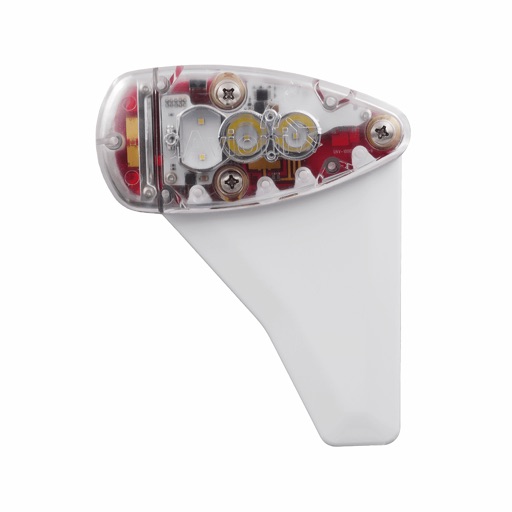
Monitor, install, and configure ADS-B devices. View device status, update firmware, and manage settings. Track aircraft position and receive alerts. Sync with compatible hardware for real-time data.
The app displays power and cadence values from a Stages Cycling Power Meter. It allows users to perform zero calibration, update firmware, and set up left/right capabilities for compatible power meters.
Check broadband coverage in your area. Find details about internet service providers. Explore available ISP deals. View information about network. Access self-service options for connectivity management.
Manage IoT devices remotely by viewing real-time data, configuring settings, and monitoring device status. Track assets, manage fleets, and control smart home devices through a centralized interface.