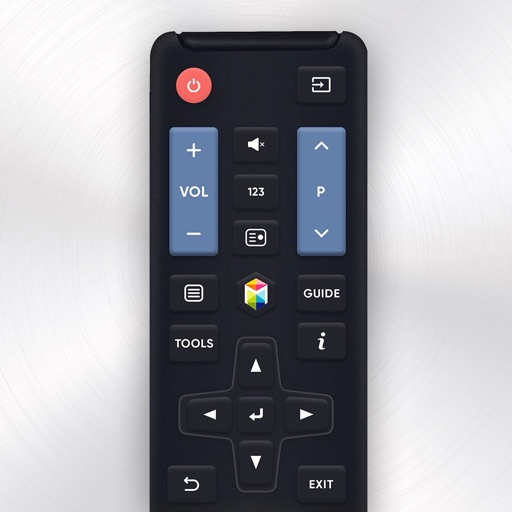
Smart TV functions such as channel navigation, volume, and menu access. Manage playback controls like play, pause, and stop. Adjust settings and access tools through the iPhone interface. Requires both devices to be on the same Wi-Fi network.
Control TV channels and menus remotely via smartphone. Adjust volume and settings. Navigate through menus without physical . Access streaming services and apps directly. Manage playback and pause functions. Sync with smart TV for seamless control.
Control TVs remotely via phone. Automatically detect devices on the same WiFi network. Navigate menus with a large touchpad. Launch apps directly. Use a fast keyboard and voice search to play IPTV playlists.
Control TV functions like power, volume, and channel selection with tap gestures. Navigate apps and adjust settings through an intuitive interface. Connect to your TV with simple setup steps.
Control TV functions with a . Manage multiple devices including Samsung, LG, Hisense, Roku, and Sony TVs. Adjust volume, change channels, and access streaming platforms. View device status and send commands via Wi-Fi or Bluetooth.
Control devices such as TVs, AV receivers, and smart home systems via IP or IR. Customize layouts and create macros for multi-device control. Integrate with brands like Samsung, Philips, Yamaha, and Philips Hue.
Manage network performance by optimizing background processes and reducing congestion. Use secure VPN to encrypt internet connections. Monitor and control data usage. Improve streaming, gaming, and online work experiences.
Control Samsung TV via iPhone or iPad on the same Wi-Fi network. Navigate menus, adjust volume, and use a touchpad for precise movement. Access voice commands and customize button layouts for different TV models.
Your TV, LG TV, Hisense TV, Fire TV, or Roku TV remotely using an iPhone or iPad. Adjust volume, change channels, and navigate menus. Access shortcuts for frequently used functions.
Lets users manage streaming devices via phone. Navigate with swipe-based controls. Connect devices to same Wi-Fi network. Simplify text input with built-in keyboard. Search and input text efficiently. playback and device settings remotely.
Control TV functions with a single , including channel navigation and launching. Use built-in keyboard and touch pad for input. Access Xbox IR features via IR blaster. Manage menus with dedicated buttons. Supports multiple TV brands.