
Grids - no crop photo editor
晶 王
Post photos without cropping them.
The app allows users to post photos to Instagram without cropping. It functions as a photo collage maker with numerous layouts and editing tools for sharing moments.

Showing 381–400 of 1,000 ranked alternatives.
晶 王
Post photos without cropping them.
The app allows users to post photos to Instagram without cropping. It functions as a photo collage maker with numerous layouts and editing tools for sharing moments.


MYUNGHOON HONG
Edit photos and keep them private.
The app offers a private vault for photo storage, secured with Face ID, Touch ID, or a passcode. It includes editing tools like filters, adjustments, effects, cropping, and text overlays.

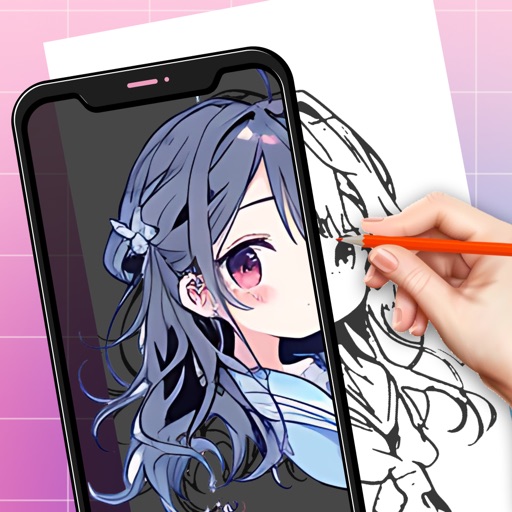
Rohit Iyer
Create collages, grids, and stories
Create collages by selecting from hundreds of layouts and sizes. Add exclusive stickers, artistic backgrounds, and textures. Draw on collages and export in multiple formats. Share directly or save as posters and stories.


Alexander Dr. Rieger
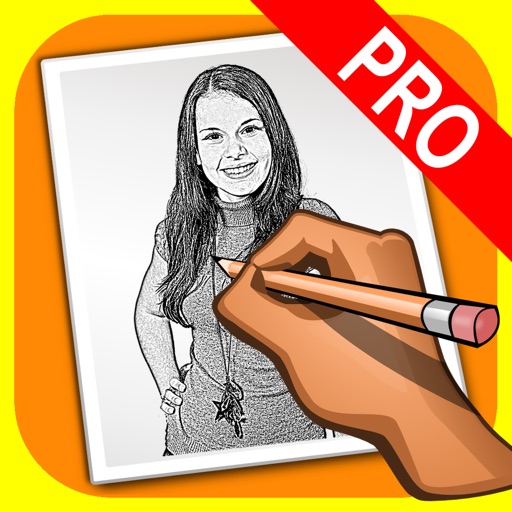
Turn photos into pencil drawings.
The app transforms user photos into pencil drawings with a sketch shine effect. Users can capture images, apply filters, and share their creations on social media or save them.

Turkdogan Tasdelen
Edit photos entirely on device.
The app offers on-device photo editing with AI features like background removal and auto-enhancement. It includes over 38 filters, stickers, text editing, and export options for HEIC, JPEG, or PNG formats.

Labee LLC
Draw, animate, export sprites directly
Create art sprites and animations for game development. Draw with Apple Pencil for precise control. Animate frame by frame using a timeline and onion skinning. Export sprite sheets directly compatible with Unity, Godot, and GameMaker.


MITSUKO MARGOT KUBOTA ONO
Create collages from clips
Create collages with multiple formats including 2×2 square, three-tile vertical stack, two-column square, two-row square, portrait-2-rows, and hybrid layouts. Automatically adjust cell orientation to match clip direction for consistent results.


Tomoya Hirano
Create pixel art with layers and grid
Create pixel art with a one-handed interface, layer system, and 1024x1024 canvas. Select ranges, use a visible grid, and edit with native performance. Save and share artwork directly.

Apps are ranked by functional similarity, category fit, rating confidence, and popularity.