Convert photos and images into PDF files. Group multiple images into one document. Edit PDFs with password protection features. Convert between image formats and PDF.
Remove unwanted objects, people, or backgrounds from photos using AI. Tap to erase clutter or clothing elements. Edit and save modified images directly.
The app creates unlimited collages with a single tap using a SmartSorting algorithm. Users can import photos, select modes, and apply various styles, text, backgrounds, filters, and stickers.
Edit photos by removing backgrounds using neural network technology. Choose from various options or leave as white. Upload selfies and replace backgrounds instantly. Export edited images in standard formats.
Face automatically detects and blurs faces in photos and videos. Users can tap to hide or reveal specific faces. The allows cropping, adding filters, text, or stickers. Metadata can be viewed, edited, or removed.
Scan documents, save, export, and share files in PDF, JPG, or TXT formats. Automatically recognize text with OCR. Edit scanned text and convert to editable documents. Organize and access files directly from the .
Edit photos with cropping, resizing, and removal tools. Apply filters, adjust colors, and add text overlays. Export images in various formats and share directly to social media or online stores.
Edit photos with AI enhancements, face beautification, and face swapping. Generate AI headshots and images from text. Create videos from images with AI effects. Add AI stickers and enhance backgrounds. Share edited photos and videos directly.
Edit photos by selecting from gallery or camera. Cut out the main subject with tools. Replace the using gallery images or built-in options. Save and share the edited .
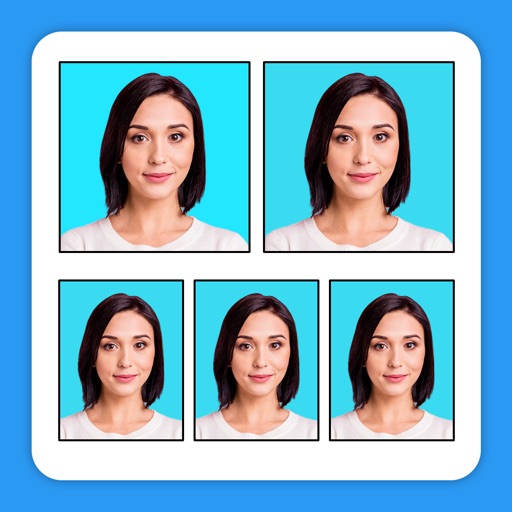
Create professional-quality and ID photos with advanced editing tools. Adjust biometric features for compliance. Use templates for over 100 countries. Export in required formats for submission.
Digitize using AI-powered scanning. Organize files into folders and share them via email or cloud services. Edit scanned images, adjust brightness and contrast, and export in PDF or image formats.