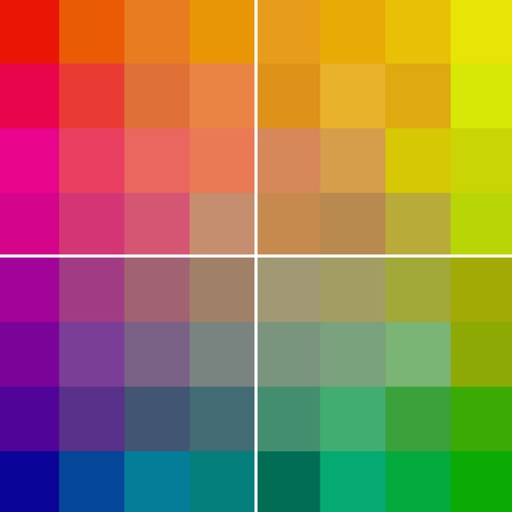
Provides even lighting for photography subjects and transparencies. Select predefined colors or create custom ones with RGB sliders. Capture images to identify RGB values. Adjust opacity and brightness. Enable full screen mode by tapping the screen.
Visualize camera setups with simulated lenses and sensors. Adjust exposure compensation and focus lock. Confirm focus with an AF beep. Access a quick control screen for settings. Explore compositions without physically setting up the camera.
Crop photos using a cropping tool. backgrounds and unwanted objects with an eraser tool. Select areas to erase and create transparent backgrounds. Edit images for white or clean backgrounds. Export edited photos and create stickers.
Edit photos and videos with 500+ . Apply trendy aesthetic filters and overlays. Import DNG into for customization. Enhance social media content with professional-grade editing tools.
Arthur Eduardo Skaetta Alvarez Desenvolvimento de Software LTDA.
With one touch
Using AI to add color to black and white images. Import from camera or photo library. Adjust color intensity with a slider. Save or share the edited image.
AI enhances photos and videos with one-tap processing. Adjust brightness, contrast, and color balance. Remove blemishes and imions. Add text overlays and stickers. Export in various formats and share directly.
Save film parameters such as exposure time, aperture, ISO, and color tones for each photo. Organize and track shooting details in a structured format. Share parameters and photo works with other Fujifilm users.
Edit photos with brightness and exposure sliders for precise control. Choose from JPG, PRO, RAW, and HEIF formats. Capture images in high quality. Adjust custom settings for advanced photography.