Analyze datasets by importing files or entering manually. Apply filters to focus on specific rows. View key statistics and visualizations for each variable. Understand results with plain English explanations of statistical methods.
Helps users with memory impairments by providing repetitive memory training exercises. Includes reminders for safety procedures like using a walker or applying wheelchair breaks. Allows users to set and review important information regularly.
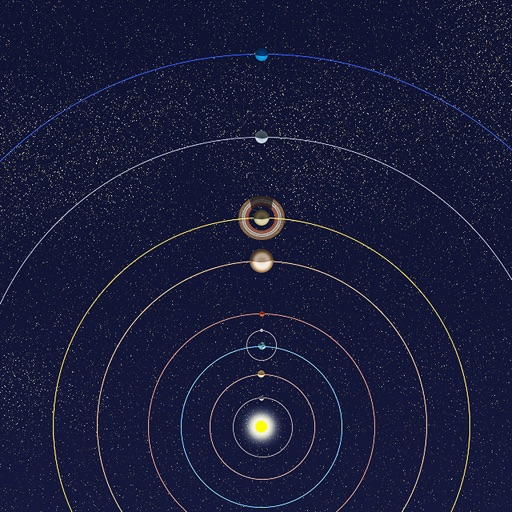
View positions of all solar system planets at any date. Adjust time to see real-time movements. Display accurate orbit sizes, eccentricity, and orbital shapes based on NASA data. Show realistic planet sizes relative to each other.
Solve problems with step-by-step solutions and explanations. Practice over 280 exercises covering topics in the syllabus. Track progress and review detailed answers for each problem.
Study with a comprehensive question bank covering all exam categories, including detailed answers for thorough preparation. Navigate topics easily for focused study. Take exams in a simulated environment to assess readiness.
Study with a comprehensive question bank covering all exam categories, including detailed answers. Navigate through topics for focused learning. Take exams in simulated mode to assess readiness. Save important questions to favorites for quick review.
Calculate values of a -angled using hypotenuse, cathetus, opposite, adjacent, or angles. Enter two values to automatically compute all other values. Display results with detailed formulas and units. Save and share calculations.
Learn spreadsheet functions with personalized microlessons and curated story-driven courses. Practice skills in Excel and Google . Track progress and set daily learning goals.
Learn and practice IFR procedures with realistic simulations. Navigate using charts and instruments. Practice approaches, holds, and instrument approaches. Track progress and review performance metrics.