Apps Like AI Logo Generator - LogoGenius for iPhone and iPad
Generate logos with AI and design tools
Create custom logos with AI-generated designs. Choose from extensive asset libraries and customize colors, fonts, and layouts. Export logos in multiple formats and share directly.
by Nosakhare Ogbebor★ 4.0146 ratingsBusinessFreeData updated 2026-09-06
Create professional letterheads with customizable templates. Add logos, choose fonts, and adjust colors. Export as PDF or image files. Share directly via email or cloud services.
Record video using both front and rear cameras simultaneously on iPhone XS, XR, and iPhone 11. Add text, contact details, and custom logos or images to videos. Share content directly with buyers or contacts.
Add watermarks to using text, logos, or images. Choose colors, fonts, and adjust scale, opacity, and angle. Save watermarks as templates for future use. Apply watermarks to protect and copyright .
Create and customize invoices with company logo and contact details. Add itemized lists of products or services. Choose from multiple templates. Generate professional invoices with a few clicks. Set recurring billing schedules.
The app offers a large collection of editable letterhead and business logo templates for Adobe InDesign. Users can quickly customize these professional designs to create branding materials for their business.
Create invoices and estimates in three simple steps. Add logos, customize colors and text. Import clients from contacts and include payment terms. Add taxes and discounts. Share via email, PDF, or print.
Convert to PDF with up to 250 images per document. Arrange in layouts with up to 12 per page. Add notes, titles, and brand elements like logos. Edit by rotating or scaling. Adjust font size and image quality. Print documents instantly.
Scan and generate QR codes using the camera. Automatically detect and read barcodes and QR codes from images, logos, and business cards. Open linked web pages directly. Use built-in flash for low-light scanning.
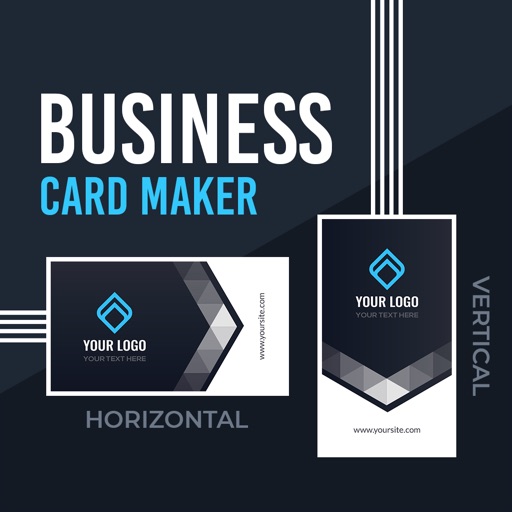
Create professional or cards using design templates. Customize text, colors, and layouts. Add logos and contact details. Export cards as PDF or image files and share via email or social media.