Monitor server status and performance in real-time. Start and stop the server remotely. Customize server settings and manage player access. View server logs and resource usage metrics. Adjust permissions and configure plugins through the interface.
by Nuno Facha★ 4.467 ratingsProductivityFreeData updated 2026-09-06
Connect to a global VPN network and choose preferred servers. Automatically connects to the fastest available server. Ensures no logs are stored for privacy. Enable one-click stable connections for secure browsing.
Remote server access allows connection to self-hosted servers from any location. Per- system prompts let users customize conversation contexts. Prompt editing and regeneration enable refining interactions.
Monitor CPU, memory, disk usage, processes, and temperature in real time. Manage GPIO pins with a colorful pinout and mode changes. Access an SSH terminal for full xterm experience. Browse, upload, download, rename, and delete files via SFTP.
Connect to secure servers with military-grade AES256 encryption. Choose from multiple locations or select the fastest server. No logs policy applies. DNS is secure. Data is not shared or sold.
Control your computer remotely by launching applications, adjusting volume, and navigating the Mac filesystem. Customize commands for specific apps, open files, and use keyboard and mouse functions.
Secure browsing with encrypted connections and IP address masking. Access global content via worldwide server locations. No activity logs stored. Optimized servers for fast browsing and streaming. Unblock websites and protect data on public Wi-Fi.
Find diamonds, emeralds, gold, and iron in Minecraft worlds using world seed analysis. Input player location for precise results. Display resource locations with a clean, Minecraft-themed interface. Supports Java and Bedrock editions.
Provides building plans and design tips for structures. Includes blueprints for homes, farms, and redstone mechanisms. Allows users to customize layouts and view material requirements. Offers step-by-step construction guidance and efficiency tips.
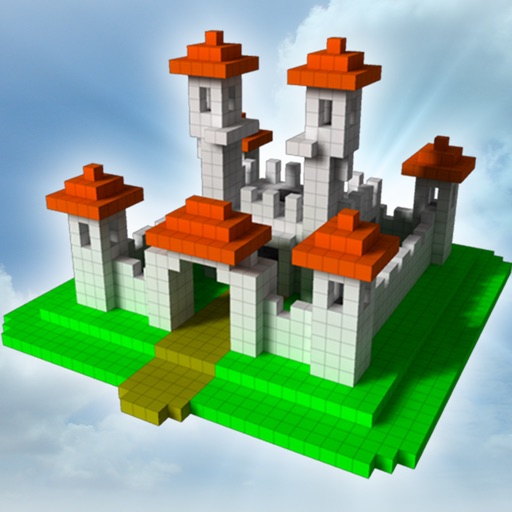
The app allows users to build creations in 3D by adding and arranging blocks. Users can change colors with paint and fill tools, and control the camera with zoom and rotation.
Control computer power states remotely via local network or Internet. Send -up commands using Siri. Access interactive widgets for quick actions. Manage host availability and track status updates.
Control your Linux, Windows, or macOS desktop remotely. Access full screen mirroring with mouse and keyboard input. Use built-in VNC server for secure access. Manage devices and perform tasks from anywhere.
A VPN client for XrayCore allows configuration import via QR code scan, iCloud Sync backup, or manual URL entry. Users can search and sort server locations by name, ping latency, or last connected date.
Browse addons for Bedrock Edition. Download and install with one tap. Automatically manage files and cache. No complex setup required. Works specifically with Bedrock Edition.