Learn SwiftUI with interactive examples and code snippets for components like Sliders, Toggles, Lists, and Grids. Explore foundational elements such as Colors, Fonts, Haptics, Gestures, Animation, SF Symbols, and Accessibility.
Write and edit Swift code for mobile apps on iOS devices. Export projects to Xcode, import from Xcode files, and auto-format code. Integrate with git repositories. Add animations and use autocomplete features in the code editor.
Read textbooks offline with download capability. Highlight and annotate text for note-taking. Create flashcards with text and images for study. Adjust font, size, and background colors for readability. Listen to audiobooks for auditory learning.
Calculate with dual-line display and multi-line input
A with dual-line display showing input and result. Supports multi-line equations and tap-to-move cursor. Saves calculation history with timestamps and labels. Allows emailing calculations and swiping to review previous entries.
Explore device services, characteristics, and descriptors via Bluetooth. Supports VoiceOver, Dark Mode, and Increased Contrast. Open-source with MIT license. Uses BlueThoth Framework for Bluetooth functionality.
Calculate with dual-line display and multi-line input
A with dual-line display showing input and result. Supports multi-line equations and tap-to-move cursor. Saves calculation history with timestamps and labels. Allows emailing calculations and swiping to review past entries.
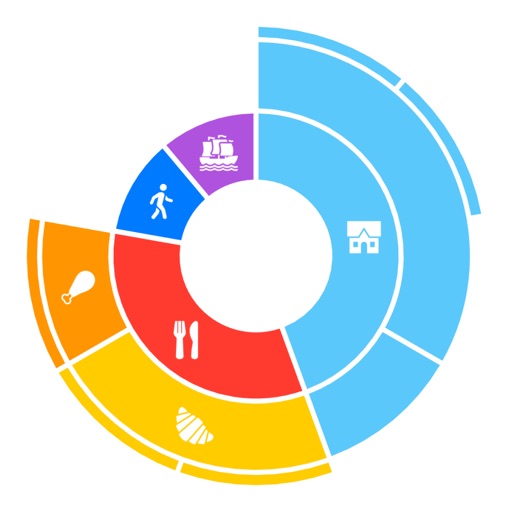
Visualize and interact with diagrams to explore hierarchical data. Adjust parameters dynamically. Render diagrams using a tree of objects. Sync with GitHub for open-source code.
Review vocabulary with adaptive algorithms that prioritize simple words and repeat difficult ones. Edit notes, add synonyms and antonyms, and search dictionaries. Import custom word lists and switch to dictionary mode.
Access learning materials and take tests directly within the . Review lessons, practice exercises, and track progress. Offline access allows learning without internet.