View and manage device information and alarm data from BeeDance projects. Access real-time updates, set alerts, and control device statuses remotely. Export logs and track project progress through integrated dashboards.
by BeeDance Digital Intelligence Co. Limited★ 0.00 ratingsUtilitiesFreeData updated 2026-09-06
Buy and memecoins with real-time charts and alerts for trending tokens. Track portfolio performance and moonshots. Share transaction results with friends. with zero gas fees and instant execution.
Control smart devices remotely with real-time status updates. Set automatic cleaning schedules and enable do not disturb mode. Adjust device settings and manage operations from your mobile phone.
Convert real-world objects into 3D models by capturing images and LiDAR data. Use a compatible RTK device for precise measurements and geolocation. Visualize models in the , upload, export, and view them in augmented reality.
Calculate with customizable inputs. Track investment over time. Save calculation history. View visual charts for annual returns. Simulate different scenarios to plan financial goals.
Schedule and manage recurring events with custom reminders. Set multiple alarms with snooze options. Track time spent on tasks and projects. Sync across devices and receive notifications for upcoming events.
The app emulates a functional timer device displaying present, last departed, and destination times. Users can set a destination time and receive an electronic alarm sound.
Monitor temperature, humidity, and other real-time data. Create and edit firing schedules. Adjust settings remotely. View historical logs and performance reports. Receive notifications for system alerts and errors. operations from a device.
Receive instant push notifications via the alarm system when motion is detected. View real video streams and review playback images. Set time-based reminders and messages. Share video clips and images with others.
Track Hours of Service and Electronic Logging Device compliance with digital logs. Submit and store Driver Vehicle Inspection Reports electronically. Access real-time routing updates and set alerts for compliance deadlines.
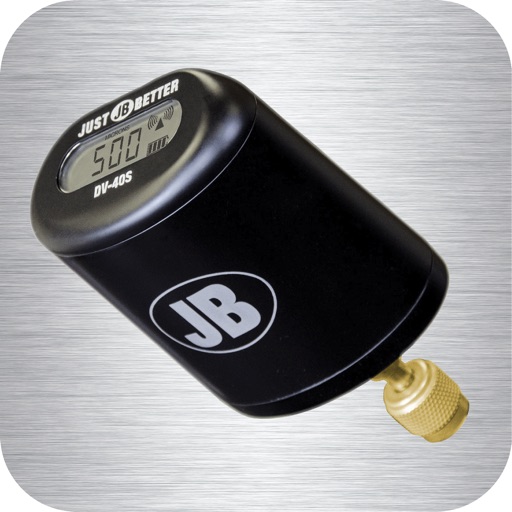
Monitor vacuum pressure with real-time measurements and unit selection. Set alarms and customize themes. Track job time with timers. Log data and export logs via email.
STAB VIDA, Investigacao e Servicos em Ciencias Biologicas, Lda
Control devices, view results, manage tests
Control Dr device via Bluetooth to start assays, monitor progress, and retrieve results. Access historical data and manage account settings. View analysis results and track test history.
Set alarms for minyan and . Choose or record custom ringtone sounds. Test notifications to confirm setup. Enable repeat alarms and remove ads for a premium experience.
Enable loud alarm to deter theft. Set up anti-spy features to prevent unauthorized access. Trigger alarm when phone is moved or tampered with. Lock device remotely and track location. Prevent unauthorized use through security alerts.
Helps manage device by identifying and removing duplicate photos, similar videos, and large files. It includes an anti-theft alarm that triggers a loud sound and flash if the device is moved.
Manage team communication with instant chat and targeted updates. Receive urgent notifications directly. Submit and track forms. Share files and collaborate in real time. View project progress and manage tasks. Customize alerts and notifications.
Manage server operations, view status, and control websites, FTP, databases, and files. Execute terminal commands. Edit website files directly. Sync with Baota API for real-time updates.
Lock device with customizable security settings. Enable remote tracking and data wipe. Set up alerts for unauthorized access. Block incoming calls and messages. Prevent screen unlocking without pattern or PIN.
Manage vehicle logs with real-time data from a eLog™ compliant ELD device. View driving hours, trip details, and compliance status. Sync logs via Bluetooth or USB. Set up the device without subscription fees.
Track vehicle location in real-time using any internet-connected device. View historical movement data, monitor fuel consumption and mileage, and receive alarm notifications. Remotely disable or restore fuel supply.