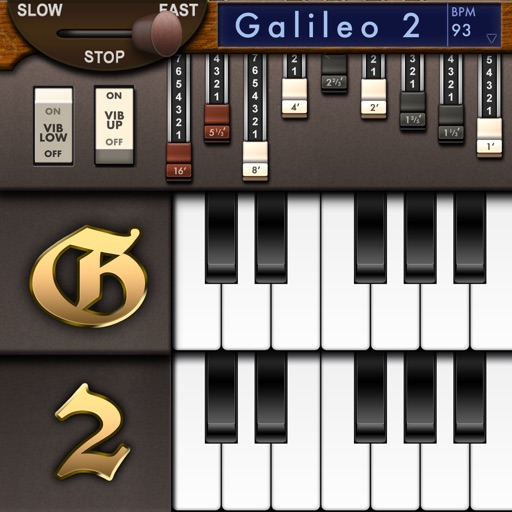
Create and customize sounds with 17 different types. Configure three manuals independently. Use scanner vibrato and chorus effects. Simulate rotary cabinets and tube amplifiers. Access AUv3 plugin for integration.
Control volume, balance, and 7 EQ bands for sound customization. Access presets for pop, rock, and jazz. Enable automatic amplifier activation based on signal input. Manage speaker and RCA input settings. Adjust subwoofer levels and fade settings.
Manage music playback with control over volume, output, and playback state. Rearrange playlist queues for custom listening. Browse music library via a file tree interface for easy access.
Transform your iPhone or iPad into a with audio-reactive visuals and real-time effects. Connect to any screen and mix videos instantly. Sync visuals to audio tracks. Customize effects and transitions. Share mixed content directly.
Control compatible car multimedia receivers via Bluetooth. Select radio stations or USB music tracks from the rear seat. Display source information on the smartphone screen. Use gesture controls for play, pause, skip, and repeat in drive mode.
Offers sight-reading practice with adjustable complexity, tempo, and time signature. Users can play along with generated rhythms and track accuracy and streak length.
Control music scores remotely by connecting to via wireless. Turn pages, navigate to specific pages, scroll, and toggle half-page turns. View connected devices' screens to follow along. Syncs with 6.1 or later.
Adjust audio pitch in real time for monophonic signals between 50Hz and 2000Hz. Apply auto pitch correction to male and female voices. Modify correction intensity and speed. Add robotic tuning effects with low latency.
Control via Wi-Fi from iPhone or iPad. Adjust mix parameters, monitor audio levels, and manage playlist queues. Use iPad as a virtual scratch turntable or control for mixing sessions.
The app helps users identify and locate musical intervals on the guitar. It offers practice and test modes with various interval types, tunings, and scale contexts.
Create and manipulate sound using a finger-drawn wavetable sequencer. Adjust waveform shapes, control modulation, and layer multiple sounds. Save and share custom presets. Sync with MIDI devices and integrate with DAWs.
Create custom percussion sounds using a flexible synthesis engine. Design drum patterns with a Euclidean sequencer. Export and integrate sounds into projects. Adjust synthesis parameters for unique effects.