Customize iPhone home screens with widgets, , and icons. Add widgets for quick access to apps and information. Choose from various and . Replace default icons with custom designs. Organize home screen layouts with drag-and-drop functionality.
View monthly and weekly calendars with customizable background colors. Display today’s events and weekly schedule using personal photos as backgrounds. Access illustrated monthly calendars with unique monthly illustrations.
Customize Apple with complication-based designs and wallpaper-style options. Install designs with few taps. Add activity, battery, weather, and date complications. Choose live-style for dynamic displays.
Customize phone appearance with themed backgrounds, icons, and widgets. Browse curated across styles like Glitter, Anime, and K-Pop. Download and apply to home screen. Add widgets for quick access to apps and information.
Display current time with seconds on home screen, lock screen, and dynamic island. Choose from various faces and digital displays. Use full-screen mode for timers. Set smart alarms with automatic volume adjustment.
Customize phone interface with , icons, and themes. Add photo-based and choose from various themes. Display time, date, battery level, and other info. Create and customize with multiple options. Sync with Health for additional features.
Turn your lock screen into a media hub with for shortcuts, contact lists, and photo displays. Track physical activities and sports achievements. Edit wallpapers with a user-friendly editor. Download exclusive location-based content.
Check with a glance using a customizable . Choose between small and medium sizes. Each status has a unique drawing. Access funny movie quotes within the . Features accessibility options.
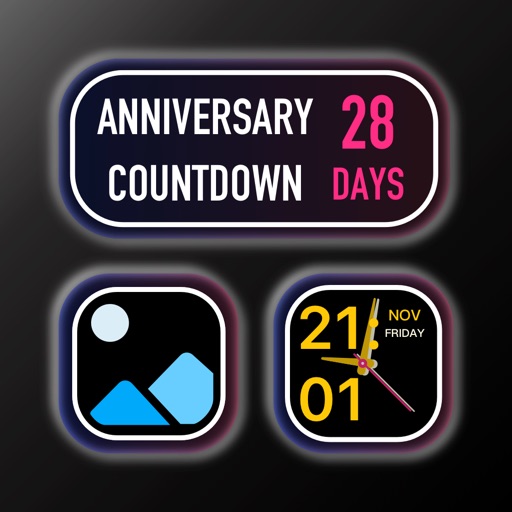
Create countdowns for events like birthdays or holidays. Set different event types and view them via a widget. Track past events with a count-up timer. Add notes and a timeline to each countdown.
Customize home with color themes and backgrounds. Add date, time, calendar, and battery percentage . Change widget styles with simple clicks. Subscribe for themed backgrounds and layouts.
Customize the home screen by arranging widgets. Choose from various and . Adjust widget settings to suit preferred functions and appearance. Add widgets like wallpaper, clock, and weather.
Customize iPhone home screen with and . Add smart for quick access to data. Apply curated to change appearance. Replace icons with custom designs. Display real-time system status indicators. Organize into folders.