Create boards by selecting and arranging images, colors, and text. Save and share boards via social media or email. Explore curated collections and customize layouts with drag-and-drop features.
by Kawaii, Incorporated★ 4.437 ratingsPhoto & VideoFreeData updated 2026-09-06
Create video slideshows by selecting photos from the gallery or camera, adding tracks, and applying animations. Choose from various effects and layouts to customize the video. Export and share the final video directly.
Create animated stories with customizable , colors, and sizes. Add in multiple languages and apply animations. Include a variety of stickers and share finished stories directly.
Edit photos with AI-powered object removal and background blur. Generate from text using AI. Adjust colors, brightness, and contrast. Add filters and effects. Crop and resize . Share edited photos directly to social media.
Create custom designs using ready-made templates and editing tools. Adjust colors, add text, and crop images. Export designs for printing and share directly with clients or social media.
Create invitations with customizable free layouts and a library of images. Choose from various occasions like birthdays, weddings, and holidays. Add text, images, and designs. Share invitations via email or social media. Export as PDF or image files.
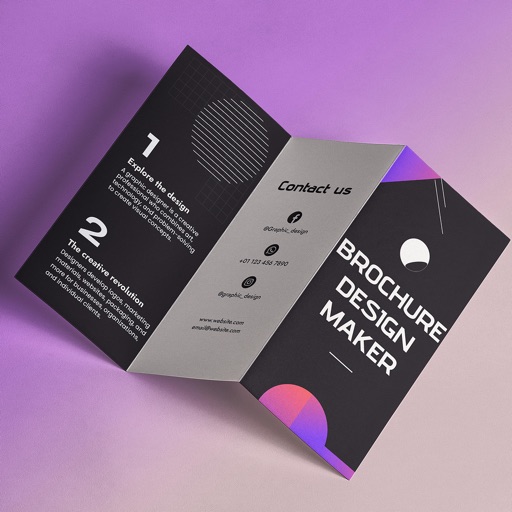
Create brochures by selecting from 2500+ templates across industries like business, travel, and education. Edit layouts, add text, images, and graphics. Export as PDF or print directly. Save and share designs.
Create collages using pre-designed templates and personal photos. Sort images by color to filter matching photos. View and photo library simultaneously for easy arrangement. Add web images directly from the . Export and share finished collages.
Create digital cards by selecting themes and adding decorative elements like flowers and frames. Enhance photos with beauty accessories and customize them using various items. Save or share cards on social media.
Create 3D interior designs using AI-generated style options. Choose colors, furniture, and layouts. Save, share, and compare variations. Get detailed recommendations for each space.
The app offers a large library of templates for creating and sharing digital cards for various occasions. Users can customize text, colors, and backgrounds, and share designs directly through social media or save them.
Create and edit images with AI-generated effects and styles. Transform photos into artistic visuals with customizable templates. Share edited images directly to social media. Adjust colors, lighting, and effects for professional-quality results.
Create professional cards with templates and design
Create professional cards with customizable templates, fonts, icons, and layout tools. Add text, images, and logos. Export as PDF or print-ready files. Share via email or social media.
Create personalized songs by adding names and selecting images. Edit videos with high-quality audio and visuals. Share finished songs directly through social media or messaging apps.
Create AI-generated avatars from selfies. Customize appearance, expressions, and styles. Share avatars on social media. Adjust lighting and background. Save and edit multiple versions.
Create collages by arranging photos and adding text, borders, and effects. Share finished collages on social media. Customize layouts and themes without design expertise. Import multiple images and adjust sizes and positions.
Create personalized greeting cards with customizable designs, photos, and messages. Add stickers and frames to personalize cards. Share cards via email or social media.
Create logos using AI-generated designs. Choose colors, fonts, and styles. Customize layouts and download in various formats. Share logos directly or export for print.
Posters, flyers, and banners for events, business, and social media. Choose from over 25,000 templates. Add text, images, and graphics. Customize colors and fonts. Export and share designs directly.
Create or greeting cards using ready-to-use templates. Customize designs with text, images, and colors. Share or print cards directly. No design skills required.