Apps Like Lexy PDF Viewer-Maker,Builder for iPhone and iPad
Create PDFs from photos and documents
Convert photos to PDF by capturing document images and saving them as PDF files. Paste or type text to generate PDFs instantly. View and organize PDFs with a clean interface. Share PDFs directly from the .
by MONSTER SHOW NETWORK TECHNOLOGY LIMITED★ 4.5199 ratingsGraphics & DesignFreeData updated 2026-11-18
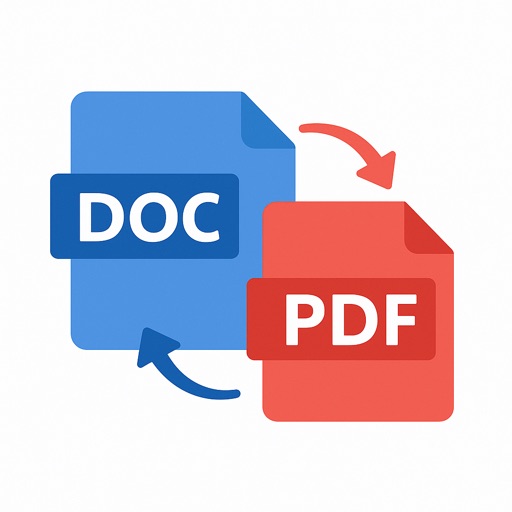
Convert documents to PDF by selecting the file and initiating the conversion process. Supports .doc and .docx formats while maintaining original layout. Features an intuitive interface for straightforward use.
Convert photos and documents to PDF by selecting files from various sources. Edit and annotate PDFs before sharing. Export as PDF or formats. Organize and save files in cloud storage.
Convert paper documents to PDF by scanning with the phone's camera. Automatically detect edges and create high-quality PDFs. Save scanned files directly. No recording of people, audio, or background activity occurs during scanning.
Photos and images between HEIC, JPG, PNG, and PDF formats. Select files, choose conversion options, and save results. Create PDFs from multiple images. Edit metadata and adjust quality before exporting.
Convert documents to PDF with one tap, supporting JPEG, Word, Excel, and PowerPoint files. Scan and auto-crop documents for clear digital copies. Add e-signatures or custom watermarks to pages.
The app converts PDFs and images into text documents or searchable PDFs using OCR technology. It supports over 60 languages for text extraction from scanned documents.
The app allows file transfers to and from an iPhone or iPad. It includes AES file encryption and a built-in file manager for viewing and listening to files.
The app allows users to create various scrollable charts including line, pie, area, and bar types. Users can customize chart aspects like colors, labels, and titles, and enter data via a datasheet.
Merge and split PDF files with one click. Convert documents to other formats and optimize scanned pages. Adjust page size and layout for consistent formatting. Export edited files directly.
Edit and annotate PDFs and Microsoft Office files with commenting, highlighting, and form filling. Collaborate in real time with secure file sharing. Access documents offline and sync changes when connected.