Allows users to color pages with finger or stylus. Includes a variety of books and templates. Features a drawing mode for creating custom artwork. Lets users save and share their creations. Offers a gallery to view and manage completed drawings.
Color by number artworks can be selected and colored following numbered guidelines. Users can freely paint and save their creations. Artworks are available for free and can be explored in a casual drawing environment.
Create and colors on a canvas to solve puzzles. Fill squares to complete paintings. Choose colors to mix and adjust hues. Complete levels with increasing difficulty. Enjoy calming gameplay and artistic challenges.
Turn photos into black-and-white pages with options like Manga, Mandala, and Pop Art. Upload images, select styles, and access a library of categories. Create clean outlines for digital .
Allows children to color animals, objects, and characters. Includes simple drawing tools and export options. Enables sharing completed artwork with others. Designed for toddlers and young children under six years old.
Allows users to select from various categories like animals, vehicles, and foods. Users can choose colors for their drawings and erase parts of the image. Images can be sorted by category for easy access.
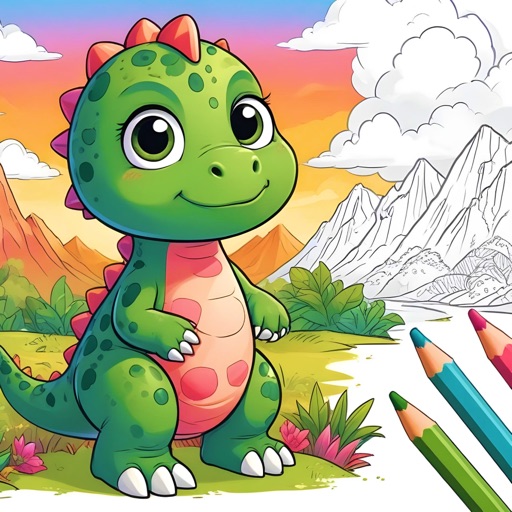
Create and customize pages with finger drawing and stickers. Add , dinosaurs, and fish to pages. Save completed artwork to the gallery and share with others.
Kids can color, draw, and decorate with various brushes, crayons, and pencils. They can use stickers and graphics of animals, vehicles, insects, fruits, and food from multiple galleries.
Images using a smart palette and blending mode. Choose from mandalas, florals, animals, and patterns. Create custom designs or by number. Export finished artwork to PDF. Quick access to numbers via tap and hold.