Create 3D designs using LiDAR scanning and Smart Draw tools. Add furniture and decor from a library. View designs in augmented reality. Measure spaces and adjust layouts in real time. Export plans and share designs with others.
Create mandala paintings using vector-based tools. Zoom smoothly for precise details. Choose from various colors and brush styles. Save and share drawings directly. Adjust layer settings for customization.
Sketch and create drawings using brush tools with customizable color palettes. Add stickers, doodles, and charms to enhance artwork. Export and share finished creations in multiple formats.
Create and edit digital art with customizable brushes and color palettes. , , and apply filters. Import and modify photos. Save and share artwork. Sync with Apple Health for progress tracking.
Generate images from text descriptions using an AI model. Adjust parameters to refine results. Upload existing images to use as a base for modifications. Edit generated images directly within the .
To with guided lessons that show real strokes from professional artists. Practice step-by-step techniques to build confidence and accuracy. Use Apple Pencil for precise input and track progress through interactive exercises.
Backgrounds from photos with precision, save images with transparent backgrounds, or replace them with custom ones. Edit photos by adding filters, drawing, inserting text, and applying stickers to create professional images and social media content.
Draw lines by turning dials or using directional buttons. Choose colors and line widths. Shake device to erase drawings. Create simple sketches in a retro style.
Create and edit images with basic drawing tools. Draw freehand or use shapes and lines. Add text and colors. Save and share drawings directly. Import and modify existing images.
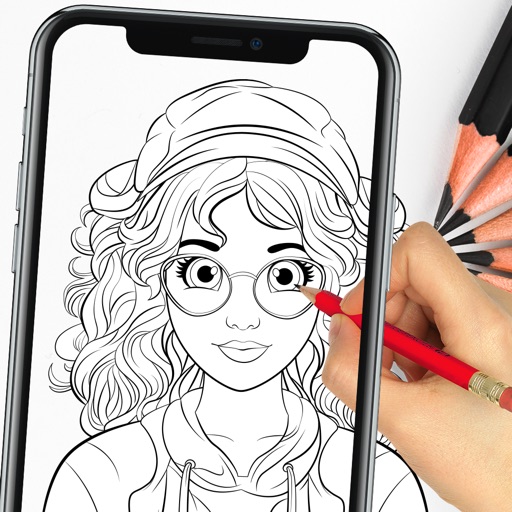
Create by tracing virtual projections of photos on paper, easels, or any surface. Adjust drawing tools for precision. Learn drawing techniques with guided tutorials. Save and share finished pieces. Sync drawings across devices.