Capture 4K videos at 30, 50, or 60 FPS or take high-quality 5K photos with a single press. Adjust exposure by dragging, flip the camera with a double tap, and record by holding.
by Marc Rousavy★ 4.426 ratingsPhoto & VideoFreeData updated 2026-09-06
Create videos from text using AI-powered generation. Choose from unique templates like Yeti, ASMR, and Bigfoot. Include audio with speech, sound effects, and music. Export and share the final .
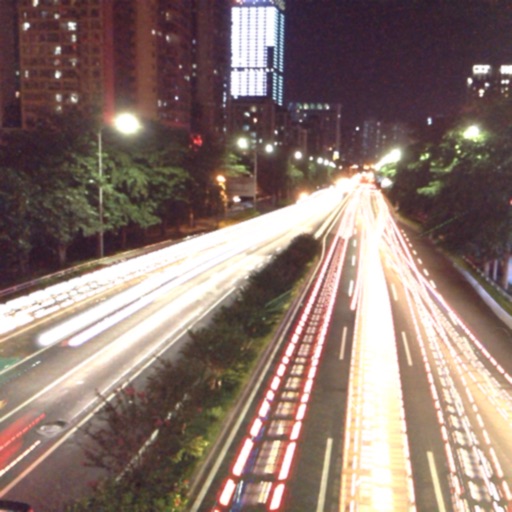
The app captures photos using slow shutter speed effects to create light trails and streams. Users can control exposure time and focus for motion blur photography.
Record videos with transformation features to create funny clips. Edit existing videos from Camera Roll by replacing voices. Save custom videos in a library for later editing. Share transformed videos directly.
Capture photos and videos without storing them on your device. Share directly via social media or messengers. Choose where to save media or send it instantly. Set default preferences and switch between front and back cameras.
Utomatic for videos using AI. Upload a video and select a language. Edit or customize the generated text. Export as SRT files. Share videos with on social media platforms.
Repost content from , TikTok, and Reels with one tap. Find optimal posting times using analytics. Translate captions and comments instantly. Schedule posts across platforms. Edit videos with AI trimming and effects. Export content in various formats.
Allows users to add timed to videos. Upload or record a , and the AI transcribes and styles the text. Users can edit , adjust timing, and export the with .
The app allows users to create superimposed, silhouetted, and double-exposed photos using their own images or from the Unsplash library. It provides tools for background selection, blending modes, and masking to craft unique image compositions.
UNIVERLIST TEKNOLOJI SANAYI VE TICARET ANONIM SIRKETI
Create videos from text and photos
Create animated HD videos from text or images. Add transitions, music, and text overlays. Edit clips, adjust timing, and export in various formats. Share directly to social platforms.
Create videos from text, images, or templates using AI. Generate motion graphics, animations, and cinematic scenes. Export for TikTok, Reels, YouTube Shorts, ads, and social media. Customize style and duration. Add text, music, and transitions.
Take black and white photos with live preview. Use colored lens filters and professional conversion settings. Adjust contrast, brightness, and exposure in real time. Add film grain and black vignetting. Export images to social media and email.
UNIVERLIST TEKNOLOJI SANAYI VE TICARET ANONIM SIRKETI
Chat
Convert spoken conversations into high-quality videos with AI-generated visuals and motion. Describe ideas in plain language to create shareable content. Edit and export videos directly within the .
Convert static images into dynamic videos using generative AI. Add text to images for visual storytelling. Apply trending AI presets to enhance creativity. Edit and export videos directly from the .
Capture aerial footage with real-time HD video feed. Adjust camera settings and control drone flight. Edit videos with improved interface and add music or templates. Share edited content directly.
Capture low-resolution photos and videos in multiple formats including 144p, 288p, and 360p. Record with or without audio to reduce file size. Use flash and GPS location tagging (available as an upgrade). Preview image quality in real time.
Animate pet photos with AI to create talking animal videos. Add voiceovers using recorded audio or trending sounds. Edit videos for TikTok, Instagram Reels, and YouTube Shorts. Lip-sync animations match pet movements.
Edit videos with controls including focus, exposure, ISO, and white balance. Apply slow motion, speed up, add borders, filters, text, music, blur, emojis, and stickers. Share directly to YouTube, Facebook, Snapchat, Twitter, and Instagram.
Compress and edit videos with batch processing, trimming, cropping, splitting, merging, and rotating. Choose H.264 or HEVC codecs with resolution options. Adjust frame rates for 240 FPS videos. Save space with efficient compression.