Control camera settings like exposure and film type. Trigger shutter and set self-timer. Access user manual and exposure guides. View additional camera information.
by Dan Hughi★ 0.00 ratingsPhoto & VideoFreeData updated 2026-09-06
Control your camera remotely with . Adjust settings like aperture, shutter speed, and ISO. Use Smart Mode for automatic scene recognition and setting optimization. Trigger focus and exposure adjustments. View live preview and review captured photos.
Edit photos with filters, cropping, and adjustments. Access portrait mode, double exposure, and manual settings. Scan high-resolution films. Share images via social media. Participate in photography challenges and view community submissions.
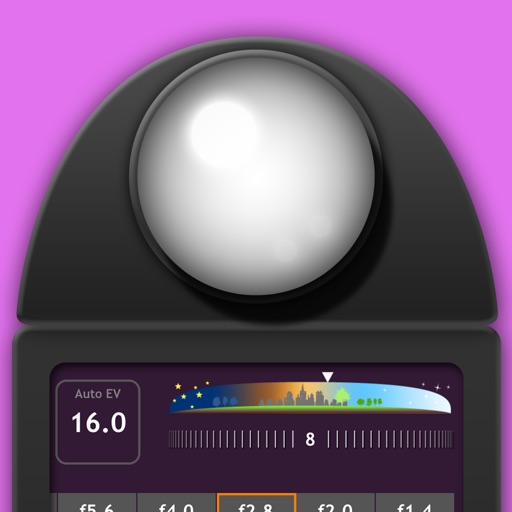
Measure intensity in lux and exposure values. Adjust settings for manual or film photography. Check lighting conditions for home, work, or greenhouse spaces. Save and share measurement data.
Measure EV values by pressing the left EV button to display aperture and shutter speed combinations. Adjust EV manually to preview brightness changes. Recommended for film camera enthusiasts.
The app offers manual and automatic modes for adjusting shutter speed and exposure. It includes a light trail mode for creative effects and a self-timer for capturing shots.
The app controls a DSLR camera shutter release with the Pixel BG-100 device. It supports single, continuous, delay, and bulb shooting modes, along with program shooting with customizable date, time, exposure, interval, and shoot count settings.
Allows manual adjustment of exposure, focus, shutter speed, and ISO. It offers a minimalist interface with an option to hide controls for mirroring. Users can the via AirPlay to devices like Apple TV or software receivers.
Remote control Hasselblad cameras to adjust settings like aperture, shutter speed, and exposure. Browse and rate images. Connect via software or WiFi-enabled H5D, H6D, and X1D cameras. Supports X1D II and newer models with 2.
Control camera settings remotely via smartphone. Adjust focus, exposure, and shutter speed. Use Smart Mode for automatic scene recognition and optimization. Access live view and review photos directly. Sync with hardware for real-time adjustments.
Capture photos and videos with control over focus, exposure, ISO, shutter speed, white balance, and flash. Enable RAW capture, real-time histogram, focus peaking, and lock exposure and white balance.
Adjust exposure, focus, and white balance manually. Control shutter speed and ISO settings. Use a gray card for accurate white balance calibration. Capture high-quality photos with full manual camera controls.
Calculates Exposure Value (EV) in real time using the device's camera. It provides accurate recommendations for aperture, ISO, and shutter speed. Users can adjust settings and view exposure values for film or digital photography.
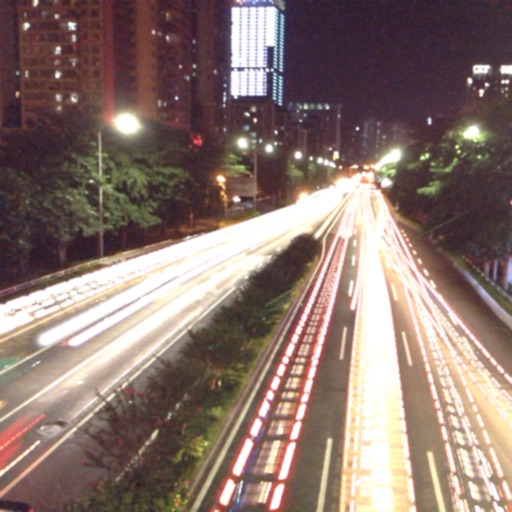
The app captures photos using slow shutter speed effects to create light trails and streams. Users can control exposure time and focus for motion blur photography.
Apply image filters with four themes and 41 options including bright, warm, magenta, and cyan. Adjust manual controls for lens focus, exposure, shutter speed, ISO, and white balance.
Capture photos using various modes including Photo, Burst, Slow Shutter, Portrait, and 3D. Record videos at VGA, 720p, 1080p, or 4K Ultra HD. Use shutter release options like Self-Timer, Anti-Shake, Screen Shutter, and Interval.
Measures reflected intensity for manual cameras. Calculates reciprocity adjustments. Displays exposure values for film photography. Integrates with camera apps for real-time readings.
Capture low-light and night photos and videos with enhanced clarity and brightness. Record 4K time lapses and use Astronomy modes to capture stars and Northern Lights. Enable long exposure for detailed night scenes.
Record videos with manual controls for exposure, shutter speed, ISO, white balance, focus, zoom, frame rate, quality, resolution, and aspect ratio. Save and share videos via iTunes, Airdrop, or other transfer methods.
Capture photos and videos in film styles like 135 film, 120 film, toy cameras, and slide film. Apply real film grain and color tones. Record and save footage directly without post-editing. Share media directly from the .
Capture photos with signature color and style. Adjust exposure, focus, and white balance manually. Select from multiple film simulation modes. Edit images with basic tools. Share photos directly from the .