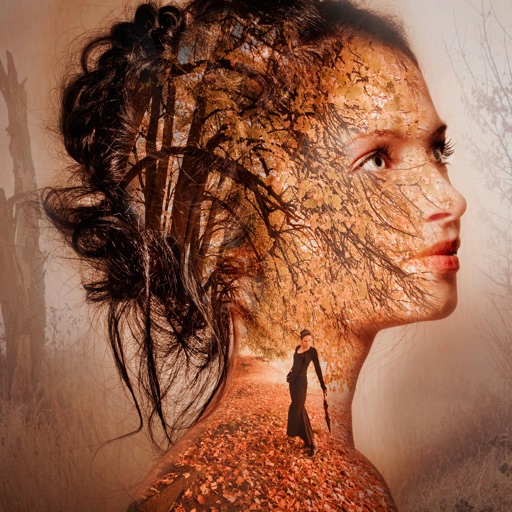
Stylize photos using over 500 AI art styles from various movements. Edit and retouch images with professional tools. Work offline with on-device AI models. Keep data private with no cloud storage. Export edited images in multiple formats.
Apply AI-powered filters by imitating styles from other images. Adjust brightness, exposure, contrast, highlights, shadows, saturation, vibrance, temperature, and tint for detailed edits. Export edited photos in multiple formats.
Edit photos with smart foreground recognition to isolate subjects. Add customizable with options for font style, size, color, opacity, alignment, spacing, shadow effects, and background colors. Crop images using an easy-to-use tool.
Multiple screenshots together to create a single long image. Select and arrange manually or let the auto- them seamlessly. Export the merged image for sharing or saving.
Create custom bordered wallpapers from your photos
Create custom bordered wallpapers by importing photos from your library or selecting included images. Adjust border color, style, and opacity. Export wallpapers to your photo library and apply them to home or lock screens.
Edit photos with mosaic, pixelation, vignette, overlays, and HDR effects. Apply shattering effects with real-time adjustments. Export edited images in various formats and share directly.
Create vector artwork on iPad with precise drawing tools. Align objects to grids, paths, or points. Scale and rotate multiple objects in real time. Use masks to cut out elements from artwork or photos. Position text at any angle or along paths.
Edit videos by cutting, combining, captioning, overlaying, and animating. Use AI tools for auto captions, text-to-speech, music match, and noise removal. Supports 4K at 60FPS. Remove backgrounds and upscale videos with AI features.
Create and edit digital art with customizable brushes and color palettes. , , and apply filters. Import and modify photos. Save and share artwork. Sync with Apple Health for progress tracking.
Create custom charts for crafts like cross stitch, bead weaving, knitting, and pixel art. Draw dotted images and design patterns with an intuitive touch interface. Export charts for use in projects.