Write directly on the screen with smooth ink and customizable pen settings. Redo and undo actions are available. Delete all content with one tap. Share or save as an image. Use eraser and ruler tools. Dark mode is supported. All features are free.
The app provides a simple sticky notebook with a clean interface. It allows users to create, delete, and edit notes with various options and colors, keeping them handy in the cloud with multiple device support.
Write and organize ideas with interactive checkboxes for task tracking. Create and reorder to-do lists with drag-and-drop functionality. Check off completed tasks and manage shopping lists, daily chores, and project tasks.
Track scores for 2–6 players across 18 holes with automatic calculation. Enter and edit results in any order. Save as calendar entries or email results. Include pocket mode and mute keyboard sounds.
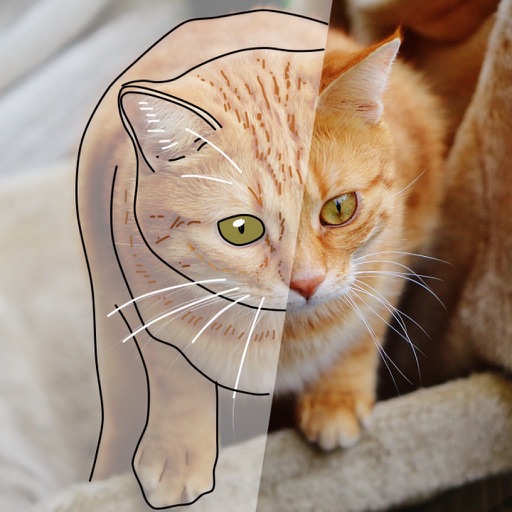
Over image templates with automatic pen tracking for accurate . Select from preloaded categories like animals, flowers, and vehicles. Choose from over 150 colors to customize drawings. Export final artwork in various formats.
Draw with a brush that adjusts width based on finger movement speed. Create Japanese calligraphy or watercolor paintings. Select or capture background images. Save or export drawings to other apps.
Take notes with voice-to-text transcription and auto-summarization. Convert spoken words into text in real time. Edit, organize, and share notes. Generate meeting summaries and highlight key points. Sync across devices and access notes offline.
Track scores for sports, board games, and tournaments. Manage game details, update scores in real-time, and save game history. Share scores with others and customize team names and colors. Set reminders for game starts and ends.