Create study decks and cards with ease. Review cards using automatic frequency adjustment based on performance. Speak text aloud for auditory learning. Import cards from JSON, CSV, or TSV files. Export cards to JSON format.
by Rohmiapps Inc.★ 0.00 ratingsEducationFreeData updated 2026-09-06
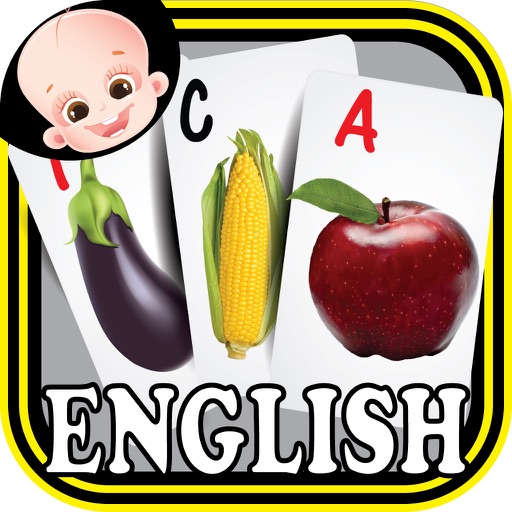
The app provides colorful flashcards for children to learn fruit and vegetable names. It includes over 70 cards in each category, with spellings and sounds to aid learning.
Study flashcards with a page flip interface. Shuffle cards or hide answers to test memory. Add and edit cards anytime. Keep the open for continuous use. Launch from the top menu bar icon.
Learn key vocabulary through structured lessons and flashcards. Use spaced repetition algorithm for effective review. Access 504 essential words and 1100 important words. Test knowledge with quizzes and track progress over time.
The app offers multiple learning modes including Study, Slide show, Matching, Memorize, and Quiz. It includes 1500 premade flashcards covering six categories relevant to the Certified Financial Planner exam.
Record lectures with automatic audio-to-text transcription. Convert into structured, searchable . Highlight key terms, create flashcards, and organize materials. Sync across devices and access tools like quizzes and summaries.
Learn the 20 naturally-occurring acids through flashcards. View structured information tables or take quizzes to test knowledge. See structures, names, and codes. Use a simple interface with chalkboard-style visuals for easy study.
The app helps teachers create personalized learning opportunities. It allows users to organize ideas on cards, connect them with lines, and save various media types.
Create and organize using AI to generate Q&A or multiple choice cards from text. Upload PDFs to automatically convert documents into . Use tags for organization and customize colors for personalization. Edit easily at any time.
Organize flashcards into folders and manage them with search, copy, and move. Start review sessions with a single tap. Track progress with stats. Use bookmarks and recover deleted cards. Works offline without an account.
The app provides configurable, colored, multi-line text cards grouped into decks. Users can create custom card sets or use pre-configured decks for voting, estimations, or timers.
Create and import for any subject using interactive games and Apple Intelligence. Review cards with spaced repetition and adaptive difficulty. Track progress with statistics and set study goals. Export and share study sessions.