Create and sequence music using a step sequencer with generative features. Chain patterns with the Metasequencer. Use Modifier system for dynamic changes. Switch states via MIDI Program Changes. Adjust UI for different window sizes.
by Aaron Meyers★ 4.829 ratingsMusic$4.99Data updated 2026-09-06
Create and manipulate effects with two parallel reverbs. Swap between reverbs based on amplitude or tone changes. Auto-duck inputs to reduce unwanted noise. Adjust parameters for precise harmonic control. Export processed audio files directly.
Control strings to pick and modulate pitch with a slide bar. Use enhanced slide control for precise pitch modulation. Access built-in models, amps, and effects. Customize settings and control via MIDI. Supports AUv3 for audio processing.
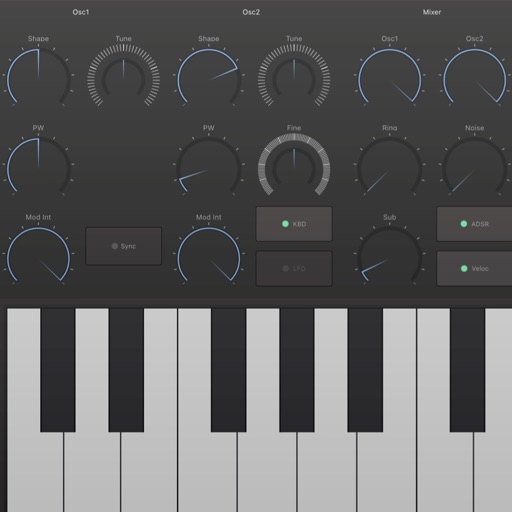
The app is a powerful step sequencer for creating melodies, chord progressions, arpeggios, drum grooves, and basslines. It offers features like chord programming, sequencer ratcheting, shuffle, drag'n'drop, and MIDI learn for unique sound creation.
Create music with 7 Cubes offering customizable session settings. Use an interactive loop-machine for rhythmic patterns. Access 7 instruments with sequenced note input and effects.
The app provides MIDI control for iOS devices, connecting to various DAWs via USB, WiFi, Bluetooth, and more. Users can create complex controls that affect multiple MIDI destinations simultaneously.
Generate clean guitar arpeggios with customizable settings. Tap "Create" to instantly generate riffs. Adjust tempo, scale, and pattern type. Export riffs as audio files. Integrate with DAWs for music production.
Manipulate messages within a DAW's effects chain using 8 audio units. Create custom routings and effects. Load in compatible hosts like BeatMaker 3 or Cubasis 2. Transmit and receive data between units. Adjust parameters in real time.
Explore generative audiovisual art with dynamic textures, movement, and evolving soundscapes. Adjust parameters to influence visuals and audio in real time. Save and share custom compositions.