Identifies and removes duplicate and similar photos, including live photos and screenshots. It detects junk video files and optimizes storage with a single tap. Users can manage device storage efficiently through AI-driven analysis.
Edit photos by reshaping parts like waist, hips, and arms. Add muscle definition to specific areas. Smooth skin and adjust facial features. Save and share edited images directly.
Images by selecting files and choosing from preset or custom size options. Adjust measurements in pixels, inches, millimeters, or centimeters. Bulk multiple images using a master file and apply settings to all selected photos.
Edit photos with AI-powered background removal and replacement. Generate realistic images from text. Use advanced tools like layers, masking, and cloning for detailed edits. Export and share edited photos directly.
Save locations with exact GPS coordinates and altitude. View real-time weather and wind data. Use the compass for accurate direction tracking. Organize saved points and share coordinates directly.
And organize web content with a single bar. Extract key information from webpages and ask follow-up questions. nd edit images, scan and organize documents, and convert long texts into summaries or mind maps.
Liangjie Information Technology (Chengmai) Co., Ltd.
Record front and back footage at once
Capture records front and back footage simultaneously with Dolby Vision HDR support. BuddyShot allows real-time remote control of another phone for focus and exposure adjustments. Video Frame Extraction extracts full-size 4K frames from videos.
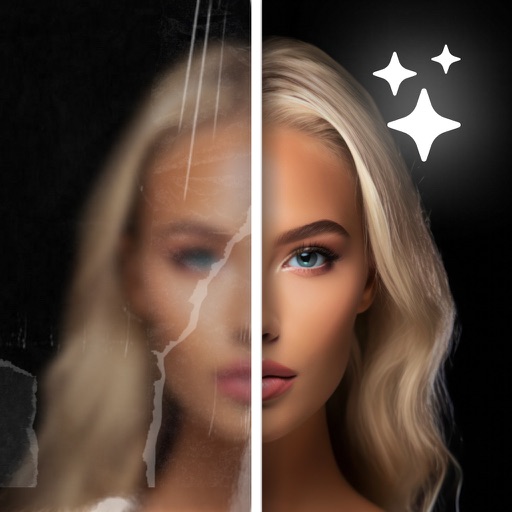
Edit photos with sharpening, unblurring, and resolution enhancement. Convert low-res images to HD 4K. Improve color and details in old photos. Remove blemishes and brighten dark areas. Save and share edited photos in various formats.
Allows users to remove duplicate and similar photos and videos. It cleans up screenshots and large files. One-tap removal frees space. Users can compress photo file sizes. They can convert formats and organize content.
Take high-resolution ID photos and save them with proper formatting. Automatically remove backgrounds and adjust skin tone. Choose from various outfits and backgrounds. Edit for brightness and clarity.
Edit photos to closed eyes using AI technology. Change eye colors with a variety of options. Swap eyes between individuals in portraits. Adjust and enhance eye details for artistic or corrective purposes. Export edited images in standard formats.
Edit photos with AI-powered enhancement, unblurring, and sharpening. Remove objects and restore old images. Convert photos to pixelated or HD formats. Create AI-generated cartoons. Share edited images directly.
AI Enhancer improves quality using artificial intelligence. Enhance clarity, sharpness, and lighting with one tap. Upscale images to increase resolution without quality loss. Automatically enhance faces and remove blemishes.
AI Cleaner Free identifies and removes duplicate photos, blurred images, old screenshots, and similar files. It compresses large media without quality loss. Users can delete files instantly and free up storage space quickly.