Apps Like Background Eraser + Changer for iPhone and iPad
Remove with one tap
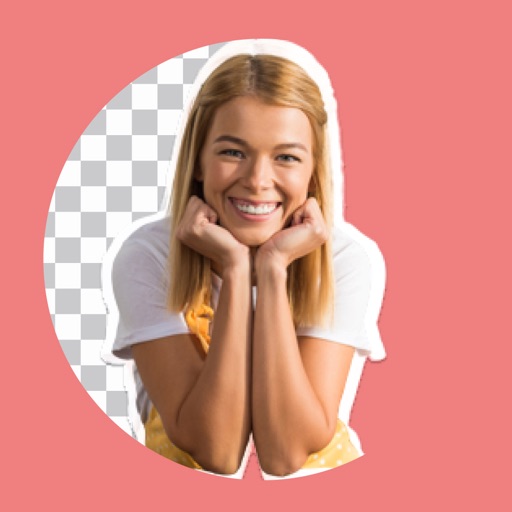
Remove backgrounds from photos using AI to detect and isolate objects. Change backgrounds with gradient options or custom colors. Save edited images to the photo library and share them on social media.
by Ha Do Thi Thu★ 5.06 ratingsPhoto & VideoFreeData updated 2026-09-06
Remove unwanted parts of photos using precise erasing tools. Change backgrounds with the feature. Undo actions or restore previous edits. Zoom for detailed adjustments and blur edges. Save and share edited images directly.
Edit photos and videos with filters, presets, cropping, and color adjustment tools. Resize and crop content for social platforms like Instagram and Snapchat. Create collages by combining images. Use MAGIC FILL to expand or uncrop images.
And people from photos using AI-powered erasing. Edit images with AI expand, generative fill, and AI replace tools. Adjust backgrounds for a natural look. Export edited images in various formats.
AI automatically detects and removes , people, and backgrounds from photos. Users can edit photos with skin whitening, acne removal, body reshaping, object erasing, background changes, cropping, text addition, and filters.
Remove backgrounds from photos using automatic eraser with machine learning. Identify and isolate people, animals, vehicles, and objects. Erase single-color backgrounds for chroma key effects. Manually adjust erased areas for precision.
Unwanted or background clutter from photos using AI-powered erasing. Reconstruct the background to fill in removed areas. Edit and enhance images with advanced AI technology. Save and share edited photos directly.
Edit photos with background erasing and replacement. Remove backgrounds automatically or manually using AI. Replace backgrounds with custom images, colors, gradients, or textures. Adjust and enhance images with precise editing tools.
Adjust body and proportions with sliders for slimming effects. Remove double chin and customize slimming strength. Manual mode allows editing specific areas. Preview changes before and after. Share edited images directly.
Backgrounds and erase unwanted using AI. Enhance photo quality and transform images with advanced editing tools. Edit multiple layers and apply filters. Share edited photos directly from the .
Remove backgrounds or objects using AI by adding a and tapping "remove." Adjust the new background to a custom color, white, another image, a gradient, or a preset. Add text, shapes, and photos to the edited image.
Remove backgrounds from images using AI in 5 seconds. Generate custom backgrounds based on descriptions. Save as transparent or choose from templates. Adjust details for precision.
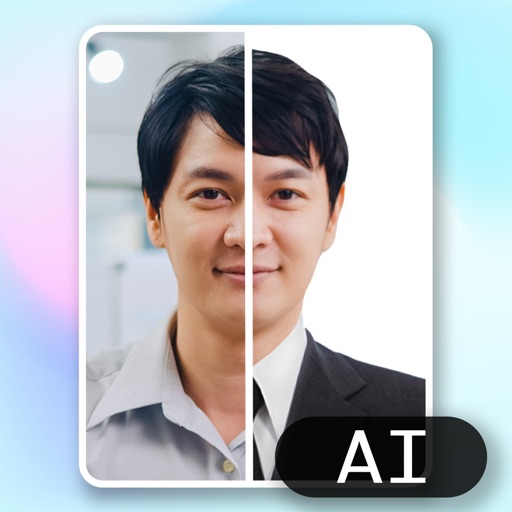
Create ID photos using AI to remove backgrounds and add formal clothing. Edit images directly on your phone simple tools. Save and share the final result.
Remove backgrounds using advanced tools like lasso cut out, erase, and unerase. Replace backgrounds with custom images or search for available options. Adjust image position, zoom, rotate, and crop for precise placement.
Edit photos with AI-powered tools like face swap, background removal, and object removal. Enhance image quality with the quality enhancer. Convert images to video. Use the AI agent for generating photos and editing concepts.
FACE & BODY TUNE PHOTO EDITOR, SOCIETATEA CU RASPUNDERE LIMITATA
Edit photos, remove objects, apply filters
Edit photos by removing objects with the eraser tool. Apply 25 filters for styling. Add colored borders using the border tool. Recolor specific elements like clothing. Overlay bokeh and sparkles for enhanced visuals. Share edited photos directly.
Remove backgrounds from images by drawing a closed curve. Automatically erase similar color areas for transparent results. Adjust brush size for precise edits. Pan, zoom, and rotate images.