Create pixel art using a grid-based drawing interface. Draw with customizable colors and brush sizes. Share artwork directly to social media or the in- community. View and comment on other users' pixel art.
Remove unwanted objects, text, or backgrounds from images or videos. Use finger gestures to select areas for deletion. Automatically blend removed sections with surrounding content for seamless results. Edit both static images and clips.
The app allows users to upload photos from their library to an online collection. Users can order prints of their photos in full resolution with options for finish and borders.
Create loop videos and GIFs from existing clips or new recordings. Adjust playback speed, apply filters, trim or crop footage, and add music. Share directly to social apps or save to your photo album.
The app allows users to edit photographs by adjusting brightness, tint, and balance. Users can apply filters such as Sepia, Colorize, Wave, Watercolor, and Color Reduction to create collages and greeting cards.
Create light with 11 shape options including heart, light, and star. Apply random by tapping the photo. Save edited images in high quality and share them directly.
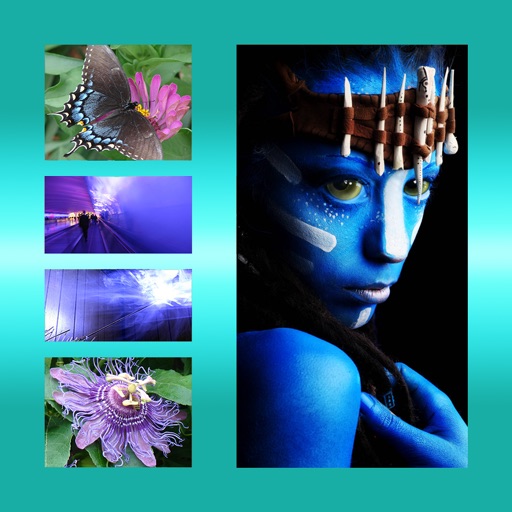
The app allows users to combine multiple photos into one framed picture. Users can adjust contrast, brightness, and saturation, add text, and apply effects.
Create gallery-style portraits from images using automatic painting tools. Add color, light, and texture for realistic effects. Choose between classic-style brushes or modern-colored options. Save and share finished artworks.
Create cards and templates. Choose from thousands of free templates. Customize colors, fonts, and layouts. Add text, images, and logos. Export cards in various formats and share digitally.
Edit images with blending effects and premade templates. Crop, rotate, and adjust . Access advanced controls for detailed editing. Save and share edited images directly.