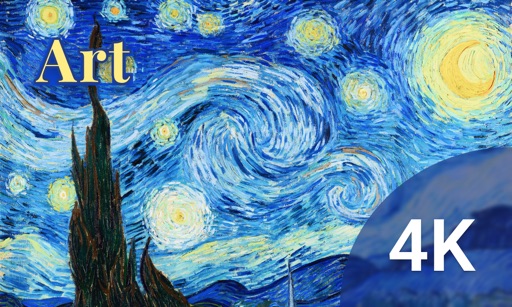
Explore galleries, view artist biographies, and learn about historical context and artwork insights. Find and schedule events, discover local dining options, and access curated recommendations. Sync with personal preferences for tailored experiences.
Take photos with real-time beauty filters and effects. Apply makeup and adjust skin tone instantly. Use photo filters to enhance images. Create collages by combining multiple photos. Edit with blur, whiten, and other tools.
Customize device and wallpapers with exclusive designs and images. Choose from curated face styles and background options. Set wallpapers in various categories and personalize your device's appearance.
Browse products across categories like groceries, electronics, and furniture. Add items to cart, view pricing, and apply discounts. Track order status and receive rewards for purchases.
Use camera to project image outlines onto paper for tracing. Choose images from gallery or collection. Follow lines to practice sketching. Suitable for beginners, artists, and students. Improve hand-eye coordination.
Convert text into images using AI. Enhance photos with AI elements. Increase resolution for detailed visuals. Position images with precise control. Edit and refine AI-generated art. Export final designs in various formats.
Artworks in a slideshow format with rotating curated pieces from the Central Coast Gallery. Users can browse and purchase selected artworks. Adjust slide duration and set preferred viewing times.
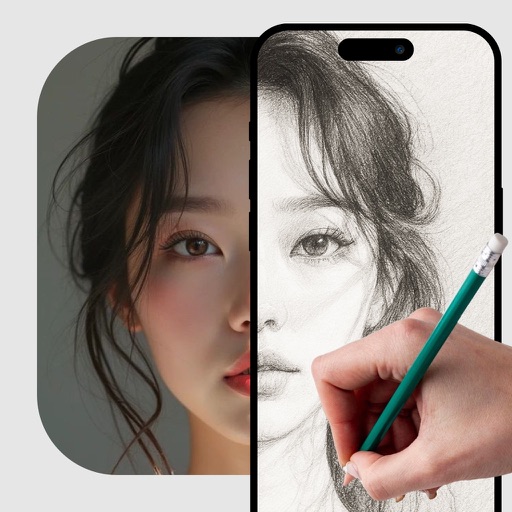
Use augmented reality to and images from photos or the camera. Draw on paper with a pencil using phone support. Convert photos into drawings. Save and share artwork.