Adjust audio frequency with a tilting EQ plugin. Boost or cut highs and lows using the main knob. Set cutoff frequency or apply gain with the Boost button. Apply EQ to mid or side channels for stereo enhancement.
by AudioThing Ltd.★ 4.98 ratingsMusic$6.99Data updated 2026-09-06
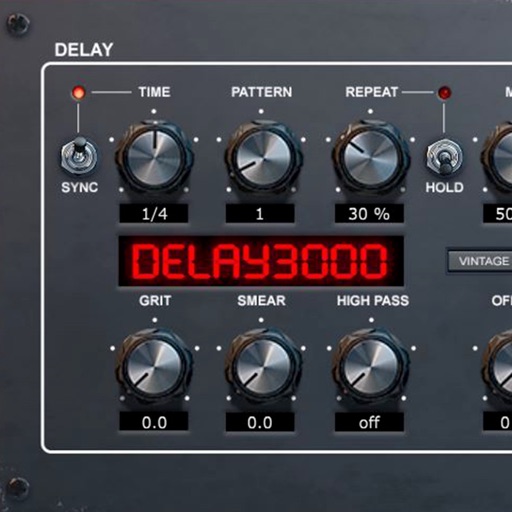
Delay processing plugin with 16 stereo multitap patterns and repetition hold function. Includes modulation circuit, ducking, and filter sections. Syncs to DAW and offers delay effects. Adjusts delay time and feedback parameters.
The to complete challenges and collect in-game currency to unlock new bottles. Tap to initiate flips and track progress through simple animations and visual feedback.
Adjust audio levels with a compressor and limiter. Control low, mid, and high frequencies with separate knobs. Apply transparent compression to vocals and mixes. Export processed audio files.
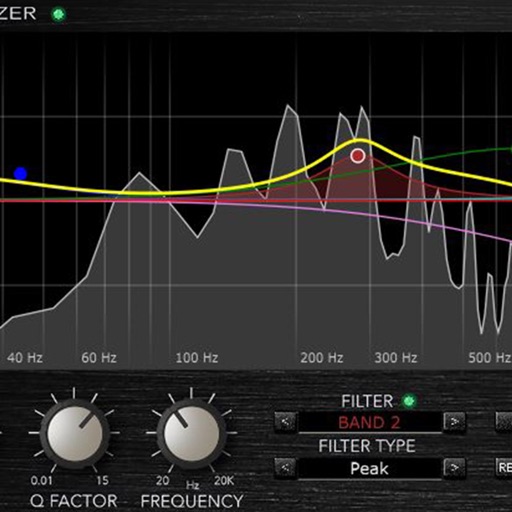
Adjust audio frequencies with a parametric equalizer. Add a filter band for precise control. Adjust gain and Q settings. Apply preset EQ profiles. Save and recall settings. Export adjustments for use in audio projects.
Offers stereo widening and depth enhancement for mono audio. Apply and effects with 40 presets. Adjust parameters for subtle or dramatic sound transformations. Sync with AUv3 hosts for integration.
Apply audio filters to modify sound characteristics. Adjust parameters for tone shaping and resonance. Load and save presets. Access a demo version with limited playtime. Purchase full version for unlimited use.
Edit audio with spectral delay effects using up to 2048 delay lines and brick-wall filters. Manipulate frequency domain data through short time Fourier transform analysis. Adjust time and feedback shapes for stereo channels via multi-sliders.
A music offering dual delay effects. Users can apply three-tap delay with independent SVF filters and stereo separation. Feedback delay mix includes pre-filter routing and an input sum for blending. Adjust resonance, drive, and feedback settings.
Audio plugin for creating a delay effect by introducing a small difference between left and right channels. Adjust delay , feedback, and mix levels. Apply to audio tracks for spatial sound effects. Compatible with digital audio workstations.
Adjust audio frequencies with linear shifting and stereo delay feedback. Apply high and low pass filters. Modulate delay with LFO. Control via MIDI CC.
Load and manage impulse response files for audio equipment. Adjust cabinet sounds with a 6 band parametric equalizer and graphic EQ. Use a custom compressor with side chain filter and bass enhancer.
Adjust frequency and range for enhanced sound balance. Customize equalizer settings to tailor audio output. Automatically play or stop audio based on device activity. Boost volume for louder playback.
Apply compression with soft knee, parallel, upward, and downward options. Use external side-chain input and spatially selective compression. Adjust band-limited settings for precise dynamics control.
Apply high pass and low pass filters to remove low-end rumble and high-frequency noise. Adjust filter settings for precise control. Add a tube preamp for signal coloring. Use as a -style plugin for audio processing.