Allows users to draw on their iPhone or iPad using 10 different pens, including ball pen, pencil, and brush. Users can create various line shapes and images. Drawings can be saved and shared directly from the device.
Create glowing designs by drawing with your . Spin creations to watch them rotate. Customize colors and patterns. Save and share artwork. Explore calming, interactive art experiences.
Allows users to open and navigate PDF documents. They can highlight text, add , and organize annotations. Users can search within documents and bookmark pages. Export and as files. Share documents and annotations with others.
Annotate photos with text, drawings, and hand-drawn elements. Add watermarks and autographs. Create and share Photocards. Incorporate internet memes. Edit and enhance images for personal or professional use.
Can and color with tools like pencils, brushes, and crayons. They can create paintings of animals, fruits, and vehicles. Includes pages for princesses and toddlers. Features a drawing book and creative doodling options.
Edit by adding , quotes, artwork, handwritings, or drawings. Customize watermarks and reuse them. Enhance images with overlays and creative designs. Adjust and annotate for personal or artistic expression.
Annotate photos with text, drawings, and stickers. Add watermarks and autographs. Create and share Photocards. Incorporate internet memes. Edit and share annotated images directly.
The app helps users organize, prioritize, and generate thoughts. It syncs mobile creations with an online account, offering features like icons, colors, themes, notes, links, tasks, and attachments.
Allows users to view, edit, import, and export PDF, Word, Excel, and PowerPoint files. It includes Writer for document creation and editing, Calc for spreadsheet calculations, and supports full OpenOffice functionality.
Access and manage academic papers with PDF annotation tools. Highlight text, add notes, draw freehand, and insert text annotations. Sync with or libraries across devices. Share annotated documents directly.
Create freehand artwork from real-life images using AR technology. , , and paint over live camera views. Add text and stickers to drawings. Export creations in multiple formats and share directly.
Create images using AI without internet or subscriptions. Use prompts to generate art locally on your device. Access advanced models like SDXL and FLUX.1 for detailed outputs. Adjust settings for precise control over image creation.
View and campaign assignments, manage field service group details, and scan QR codes for quick access. Share links, access viewing history, and automatically open territories from web browsers.
Access conference details, presentations, and exhibitor information. Take notes on slides and draw directly on them. Connect with other attendees and manage event-related content.
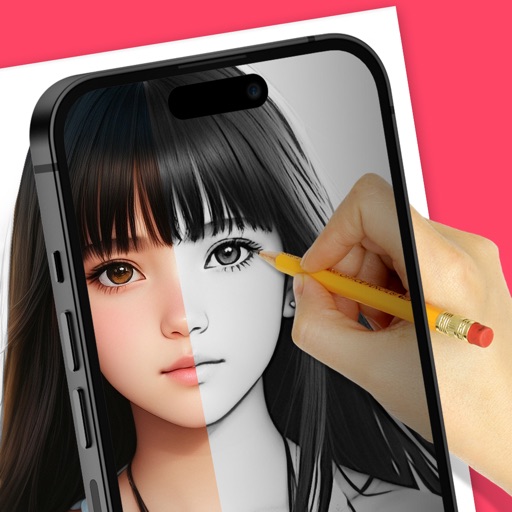
Trace images to create sketches or drawings. Adjust line thickness and brush styles. Use an eraser tool. Apply filters to images. Select from gallery or take new photos. Draw on paper with phone held 1 foot above.