Play Magic by matching and removing cards from magical themed layouts. Rearrange cards to clear the board. Unlock new levels and themes. Track progress and achievements. Share scores with friends.
Play with drag-and-drop movements and multiple modes. Track progress and unlock achievements. Compete in leaderboards. Customize themes and designs. Share scores with friends. Sync progress across devices.
Play with card layouts and rules. Sort cards into foundation piles by suit and rank. Move cards between tableau piles following suit and sequence rules. Undo moves and restart games. Track progress through multiple difficulty levels.
Play with large, clear cards and bold fonts for easy readability. Make moves by dragging and matching cards. Track progress through multiple game modes and difficulty levels. Adjust settings for sound and visual preferences.
Play solitaire with enlarged cards and a festive Christmas theme. Enjoy offline gameplay without internet. Choose from multiple game variations to challenge your mind. Adjust settings for eye protection and relaxation.
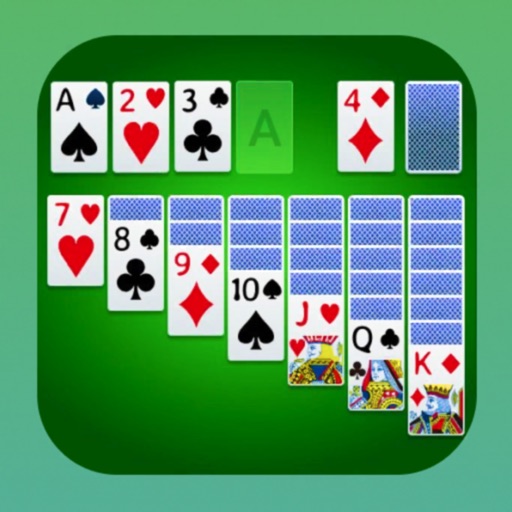
Play by moving cards to foundations. Arrange cards in descending order by suit. Reveal cards by moving them to the waste pile. Undo moves and restart games. Track progress and save multiple sessions.
Play with 2 of cards. Swipe or tap to move cards naturally. Check Game Center leaderboard for scores. Access unlimited hints and undo. Choose custom backgrounds. Auto-complete features available. View game statistics.
Play with retina graphics optimized for device performance. Use hints and the Winning Deal feature to ensure a solvable hand. Compete on Game Center leaderboards to compare Patience speed.
Play by building card stacks from 2 to King in the same suit. Move completed suits to foundations starting with the Ace. Reveal cards by clicking on them and use the stock to draw new cards.
The app offers classic Klondike gameplay with intuitive controls, daily challenges, and smart hints. Users can track progress with streaks, stats, and achievements, and customize difficulty and draw settings.
Play by building foundation sequences from Ace to King and arranging cards in descending order on the tableau. Draw from the stockpile when stuck. Adjust game speed and difficulty settings. Track progress and replay previous games.
Play games like , Spider , Freecell, and Tripeaks. Move cards between tableau piles, build sequences in descending order, and move cards to foundation piles. Clear all cards from the tableau to win.
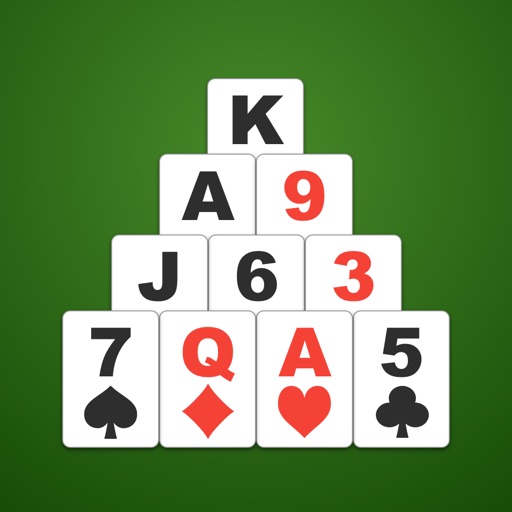
Play Solitaire by removing pairs of cards that add up to 13. Customize background and card backs with photos or colors. Move cards via tap or drag-and-drop. Use hint function and check game over status. Adjust card size as needed.