Apps Like Color Me AI: Coloring Book for iPhone and iPad
With AI and create art
Create art by blank pages or using provided templates. Choose from hundreds of pages in different styles. Access high-definition images and textured materials. Save and share completed artwork.
Create custom pages with over 220 themes and pages. Choose from various colors and tools like brushes, glitters, and patterns. Add stickers to decorate artwork. Save and share completed drawings.
Create drawings using realistic crayon and marker pen tools. Listen to drawing sounds. Navigate with an intuitive interface. Access eight free coloring pages for practice. Explore related drawing apps for different mediums.
Create art by drawing on pages with customizable brushes. Choose from 10 brush types including oil, chalk, and watercolor. Paint detailed images of princesses, animals, dinosaurs, cars, and planes. Save and share finished artwork.
Children can color and draw with themed pages to develop fine motor skills. The includes drawing lessons, interactive characters, and sound effects. Users can switch between themed packs and save progress.
Create 3D artwork by coloring voxel-based characters using numbered guides. Select from various 3D coloring pages. Customize colors and save completed designs. Share creations with others.
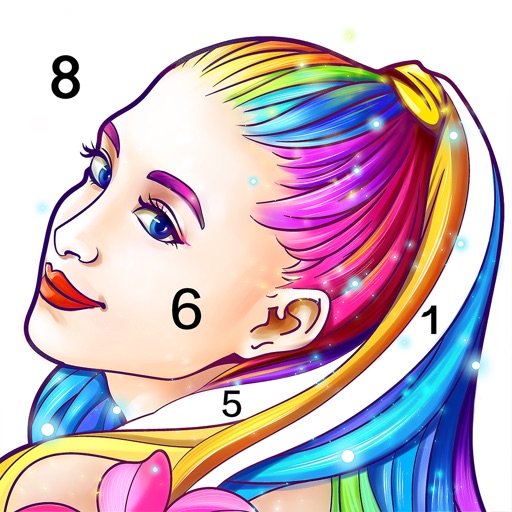
Lets users select and color numbered sections of images. Each area has a linked to a specific color. Users can choose colors, fill in sections, and save or share their artwork. Features include free pages, numbered guides, and color selection tools.
Customize dolls with skin tone, eye , hairstyles, and makeup. Dress dolls with colorable fashion items. Place in themed scenes. Use brushes, spray paint, and makeup tools for artistic designs. Share completed artwork.
Allow users to fill in pictures with various colors. Drawing let users create their own artwork. A scribble pad provides a space for freehand drawing. Sticker lets users add stickers to images.
Color images with 2D drawings and various tools including a bucket for filling areas. Explore daily updated collections of images. Share completed drawings via social media or email.
Create paintings by following numbered instructions on printable images. Choose from themed pages like florals and animals. Share artwork with friends. Access new images daily. anywhere using a mobile device.
Kids can select pages from themed categories to create custom artwork. Color, print, and share creations with friends and family. Features include intuitive tools and options to save or print artwork.
Allows users to import photos and access over 20 ultra-realistic brushes. Create detailed and paintings with adjustable brush pressure and flow. Export artwork in multiple formats and share directly.
Allows users to pre-drawn images using numbered guides. Choose from themes like people, florals, animals, and mandalas. Create artwork by following -based instructions. Save and share completed designs.
Create art by following lines with customizable brushes and bright colors. Choose from various patterns and tools. Save and share completed drawings. Adjust colors and brush sizes for detailed painting.
Create images by arranging polygonal pieces. Complete puzzles to reveal artwork. Practice mindfulness and focus through sessions. Track progress and revisit completed designs.