Take a photo of a to identify its type. View detailed information about the properties and characteristics. Learn about different types and their features. Organize and save identification results for future reference.
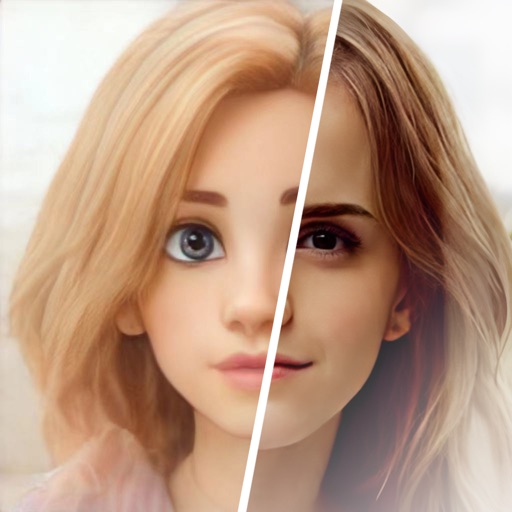
Edit photos with one-click style switches and access to a multi-art filter library. Apply futuristic, nostalgic, or comic-style filters. Use AI portrait system to generate images in various themes for different occasions.
Turn your iPhone into a imaging tool. Apply real-time -style filters to photos and videos. Learn about and low-light technology through visual guides. Discover practical use cases like wildlife photography and safety demonstrations.
Scan and read QR codes and barcodes. Create custom codes with photos, logos, and colors. Link to social media, YouTube, apps, or PayPal. Generate e-signature QR codes. View scan history.
Convert videos, photos, and live content into GIFs. Edit existing GIFs or use a large catalog. Turn photos into memes with customizable templates. Add filters, text, emojis, and stickers. Adjust frame speed and direction. Share GIFs to social media.
Convert images between JPG, PNG, SVG, BMP, and JPEG formats. Select photos from the gallery to convert. Maintain high quality during conversion and export the result.
Convert static images into animated using AI. Choose from multiple models like Veo 3.1 and Wan 2.5. Upload photos or graphics to generate cinematic animations without editing skills. Export directly without requiring a credit card.
Edit photos with , oil painting, art, dream, sketch, magic, anime, and comic filters. Apply effects to selfies or images. Save and share edited photos directly.
Video allow editing with watermarks and doodles, exporting and deleting background music, and converting videos to livephotos. Image generate word cloud, polygon, and block-style wallpapers from keywords or images.