Browse artwork, download images, and display photos
Browse and download artwork, paintings, and photos for Samsung TV or Hisense CanvasTV. Access integrated libraries from Smithsonian, Wikimedia Commons, and Unsplash. and adjust images to fit borderless displays. Share or save edited photos directly.
Resize images to different sizes without cropping or adding borders. Adjust aspect ratios by compressing or stretching, which may distort the image. Best suited for landscape photos, backgrounds, real estate images, or drawings.
Edit photos with filters, cropping, and adjustment tools. Add stickers, vector elements, and custom fonts. Create and customize grids for Instagram. Share directly from the .
Edit GIFs by cropping, resizing, and adjusting speed and timeline. Create boomerang effects and meme-style animations. Export and share customized GIFs directly.
Multiple in a single shot with auto-crop feature. Use high-resolution 300 DPI scans for detailed images. Leverage on-device AI for precise cropping without uploading to servers. Edit scanned images directly within the .
Create collages with customizable Polaroid, SCRL-style scroll, and grid layouts. Choose from modern, vintage, minimal, and film-style . Adjust colors, borders, and text. Export with transparent backgrounds and share directly.
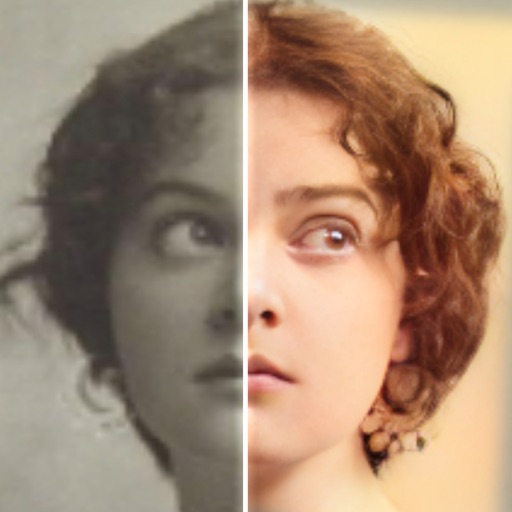
Edit photos with AI colorization, enhancement, and restoration. Remove scratches, tears, and blurs. Convert black and white images to high-definition . Adjust clarity and brightness. Share restored photos directly.
Edit photos with filters, cropping, and brightness adjustments. Add text, stickers, and borders. Export in various formats and share directly. Adjust colors and apply effects for enhanced visuals. Simplify editing with an intuitive interface.
Edit photos to fit as with adjustable sizing and parallax effects. Share photos with friends and family or upload pet photos. Apply filters and save edited images directly.
The app works with photos from the built-in camera or photo library. It allows users to choose a face among many on the same photo and features instant transformation with no internet connection needed.
The app provides 1000 unique color filters and 98 grid filters for photo editing. It allows users to record videos with filters and supports live photos.
Crop and rotate images using preset or custom aspect ratios. Resize photos with precise dimensions or custom inputs. Process multiple images in batches. Adjust quality for optimal sharing or printing. Export edited files in various formats.
Photo allows users to edit images by removing backgrounds. Users can select and isolate subjects. The supports offline processing. No online tracking is involved. Export edited images in various formats.