Apps Like Motion Blur: Background Editor for iPhone and iPad
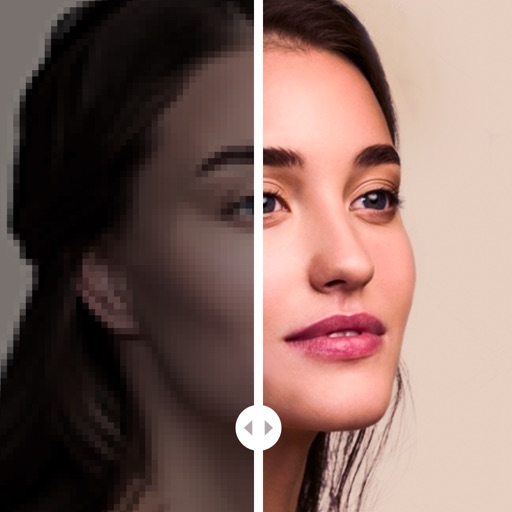
Blur photos and adjust blur effects
Apply blur effects to specific areas or the entire photo. Adjust blur intensity and select from multiple blur styles. Save and share edited images directly.
by 长金 陶★ 4.17 ratingsUtilitiesFreeData updated 2026-09-06
Crop and rotate images into various shapes. Add text, arrows, and shapes for annotations. Pixelate sections or draw freehand. Share edited photos directly with contacts.
Edit photos to and acne using a skin copy and paste tool. Select the blemish, copy, and paste over the skin for a seamless effect. Adjust and blend the skin to achieve a flawless result. Export and share the edited photo directly.
Unwanted objects from photos by selecting and erasing backgrounds. Isolate subjects for transparent backgrounds. Place subjects on new backdrops. Edit and save edited images directly.
Detect and remove duplicate, similar, blurred, and large-size photos. Clean up unused videos. Monitor device hardware information to maintain system performance.
Browse and preview with one click. Organize by 100+ categories including , 3D, abstract, and themed options. Daily updates ensure new content. Supports all iPhone and iPad models. Free to use with no subscription required.
Record screen to create scrollshots without taking multiple screenshots. Stitch screenshots together to view long content. Edit and annotate stitched images. Share or save final compositions.
Create animated short videos from static photos using AI. Add motion effects, layers, filters, and overlays. Include text, stickers, and music from a large library. Save as live photos. No watermarks or ads.
Edit photos with selective colorization effects. Adjust images using pinch to zoom and pan for detailed editing. Apply AI-powered styles automatically. Convert images between grayscale and color. Share via email or album.
Edit videos with controls including focus, exposure, ISO, and white balance. Apply slow motion, speed up, add borders, filters, text, music, blur, emojis, and stickers. Share directly to YouTube, Facebook, Snapchat, Twitter, and Instagram.
Edit photos with , , and AI cutout tools. Apply neon, glitch, and overlay . Add doodles, artistic text, and fun stickers. Share edited photos directly to Instagram, WhatsApp, Facebook, and Messenger.