
Blur Photo - Background Blur
Andrey Melnikov
Backgrounds and highlight subjects
Edit photos with effects to highlight subjects. Adjust intensity and choose from multiple styles. Save edited images in high quality and share directly.

Showing 281–300 of 1,000 ranked alternatives.
Andrey Melnikov
Backgrounds and highlight subjects
Edit photos with effects to highlight subjects. Adjust intensity and choose from multiple styles. Save edited images in high quality and share directly.


Alexander Dr. Rieger
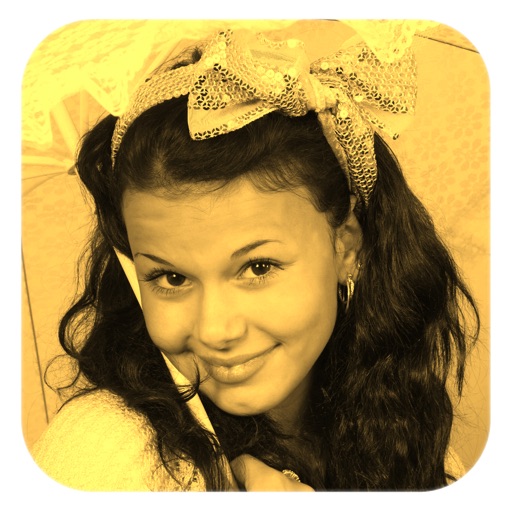
Turn photos into warm sepia tones.
The app applies a sepia filter to photos, giving them a warm, yellow and brown tone. This effect makes images appear nostalgic and memorable.

Internet Designs
Customize with filters and glows
Customize iPhone, iPod Touch, or iPad with filters like sepia, monochrome, and inverted colors. Add glows with effects such as bubbles, hearts, flowers, snow, and broken glass. Choose from categories including Apple logo and abstract.


Jessica Tunnicliffe
Manage photos with many functions.
The app manages photos with 12 functions, including camera integration and a photo album. Users can apply 47 photo effects and 34 filter effects to selected images.

Jessica Tunnicliffe
Manage photos with many functions.
The app manages photos with 18 functions including camera, video, and editing tools. Users can apply numerous effects and filters to photos and videos, and display them in various carousel styles.
Appwallet Technologies Private Limited
And unblur photos with precision
Photos by selecting and painting over areas with a magnifying glass tool. Adjust intensity and apply pixelation effects. Remove blemishes and add filters. Export edited images in high resolution.



Apps are ranked by functional similarity, category fit, rating confidence, and popularity.