Organizes photos and videos into monthly albums automatically. Swipe to delete, keep, or move media. Manages storage by removing duplicates and outdated files. Allows manual sorting and folder creation.
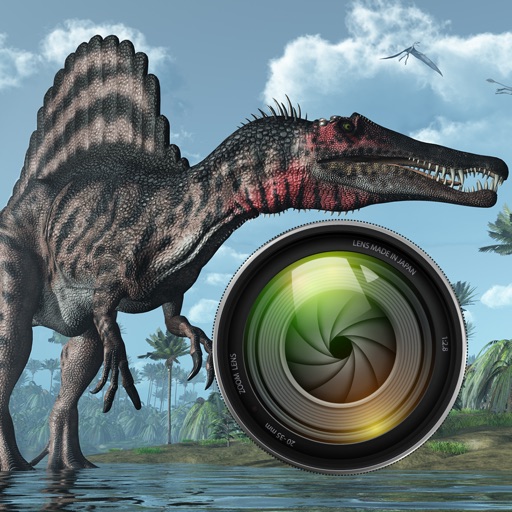
Add dinosaurs to photos with tap-to-place features. Choose from over 60 species including Tyrannosaurus, Pteranodon, and Stegosaurus. Adjust positioning and scale. Export edited images directly.
Create and share short videos as animated GIFs or MP4. Capture frames with the or import photos, videos, or live photos. Apply real-time color filters, add text or frames, and record stop motion.
Create a Video by requesting and collecting video clips from others. Combine clips into a personalized video gift. Share via email or social media. Create and manage Shared to store and view photos and together.
Guests scan a QR code to capture photos and videos. Edit images with filters and cropping. Share content directly to social media or via email. Save photos in a private gallery. Add captions and tags to memories. Sync photos with -specific albums.
Identifies and removes duplicate and similar photos to free up storage space. It scans photos, videos, and contacts directly on the device. Users can delete unnecessary files and organize their media library.
Share photos, connect with friends, surprise weekly
Share photos without editing, visible only weekly. View Drips taken by you and friends on Sundays. Like, comment, and share photos. Discover weekly surprises from shared snaps. No editing, only authentic images.
Tag with GPS data including location, address, date, time, coordinates, altitude, weather, and temperature. View map overlays and share geotagged images with precise location details.
Take photos with high-resolution settings. Apply 40 free filters, including a popular pink filter. Edit images with color adjustments and effects. Add creative accents to photos. Share edited photos directly from the .
Create custom albums with personal images or choose from curated categories like Quotes, Nature, and City. Add photos to build memory albums. Display on home screen using three widget sizes.
Capture moments with video and photo recording. Edit videos with trimming and effects. Add text and music. Share directly or save to cloud. Record daily routines or cooking steps. Capture spontaneous events like parties and celebrations.
Organize and manage photos across devices. left to unwanted images or right to keep them. Identify and remove duplicates and low-quality photos. Access all photos in one place. Export selected photos.
Organize and manage photos and videos by creating albums. Swipe right to save preferred items or left to remove unwanted ones. Add albums via the bottom list. View and manage media with intuitive gestures.