Apps Like SwitchLight - AI Photo Editor for iPhone and iPad
Edit photos with advanced relighting tools
Edit photos with advanced relighting tools and AI enhancements. Adjust lighting, shadows, and colors for portraits and selfies. Create anime-style remixes and apply glow effects. Generate fake vacation photos and customize profiles.
by BEEBLE Inc.★ 4.549 ratingsPhoto & VideoFreeData updated 2026-09-06
Create hyper-realistic headshots using AI. Upload casual photos for analysis. Choose from multiple styling options. Adjust lighting and background. Export final images in high resolution. Share directly to social media or email.
Edit photos with AI-powered enhancements, including noise reduction, color correction, and sharpness adjustments. Remove blur and improve lighting. Export enhanced images in high resolution and share directly.
Create and customize images using a variety of style templates including fresh and sweet, retro ethnic, classic Hanfu, dreamy wedding dresses, minimalist portraits, and trendy travel shots. Switch styles with one tap.
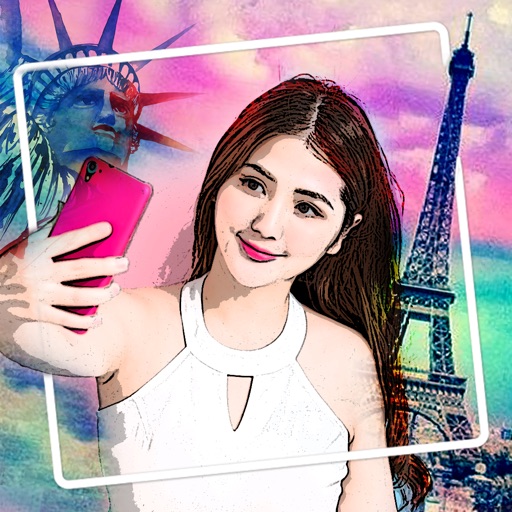
Edit photos with AI-powered toonification, caricature, and Pixar-style cartoon effects. Apply face filters, reface, and adjust digital art layouts. Add backgrounds and export edited images.
Edit photos with drawing tools, text stickers, and customizable colors. Crop with adjustable ratios. Apply filters and effects to change visual styles. Adjust brightness, contrast, and saturation for professional results.
Edit photos with skin smoothing, whitening, and acne removal tools. Apply blur and adjust face contours. Access dozens of drip with customizable backgrounds and colors. Share edited images directly.
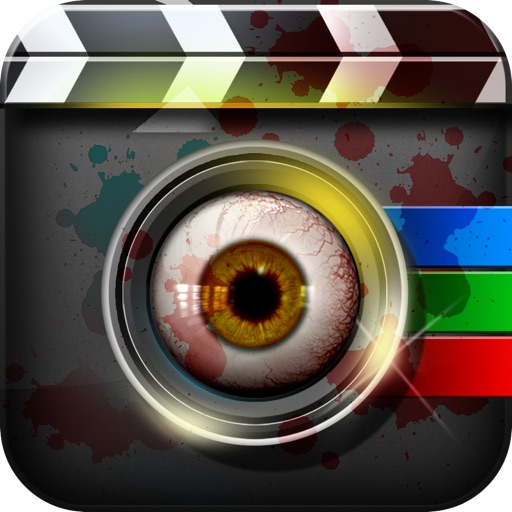
Edit photos by applying Hollywood-style makeup effects including zombies, ghosts, bionic features, tattoos, and blood. Choose from categories like Monsters FX, Bionic FX, Zombie FX, Bloody FX, and Tattoo FX. Add stickers and filters to images.
Take selfies with filters and skin enhancement tools. Edit photos with cropping, adjustments, and options. Record HD videos and apply color filters. Share edited content directly.
Upload a photo to generate an AI-generated character in chosen styles like anime, pixel art, or detailed action figures. Customize appearance and details. Export and share the created .
Turn photos into AI-generated headshots and portraits with text prompts. Edit and enhance images using AI retouching tools. Save and share final artworks in various formats.
Create photorealistic portraits from a single selfie using AI. Choose from 200+ templates for different scenes. Upload any image to place the portrait within it. Adjust lighting and facial features for realistic results.
Capture high-quality selfies in low light using a customizable screen light. Adjust color temperature and brightness to suit your mood. Use the glowing light effect to enhance visibility and reduce shadows.
Apply filters to photos and videos for a cyberpunk aesthetic. Capture timelapses with advanced motion tracking. Use BrainFeverAI to detect and enhance automatically. Edit and share edited content directly.
Edit portraits with AI to add a soft smile, brighten eyes, reduce dark circles, and smooth skin. Select faces or apply edits to the entire image. Share edited photos directly.
Edit photos with transformation tools including shape adjustments, size changes, and style enhancements. Refine facial features by smoothing skin, brightening tone, removing dark circles, and adjusting contours.