Smart Photo & Video finds and removes duplicate photos, similar images, blurry shots, large videos, and old screenshots for easy deletion. Visual Overview provides a clear breakdown of used and available space.
Access structural engineering tools including beam and truss calculators, frame analysis, and section databases. Generate wind and snow loads. View and manage models with 3D rendering. Convert units and design base plates and retaining walls.
Calculate material needs for flooring, walls, and ceilings. Draw rectangles or L-shapes to measure spaces. Account for installation standards like seams and tile centering. Estimate product usage based on real layouts.
Provides a keypad for entering digits in apps that lack a . Users can input phone numbers, credit card details, and other numeric information efficiently. The functions as a standalone input method for numeric data entry.
View nearby default to connect devices without manual input. Display local and external IP addresses, gateway information, and network signal strength. Retrieve details including city and region. Check speed and network configuration settings.
Manage versions and account settings. Monitor battery level with animated visuals. View monthly calendar. Display live analog or digital clock. Use a compass with non-traditional direction. Access console viewer. Sync contacts and manage preferences.
Track solving times with session support and multiple session types including multiphase. Use the official WCA scrambler for valid 4x4 and blind scrambles. Log results, analyze progress, and export data for competitions.
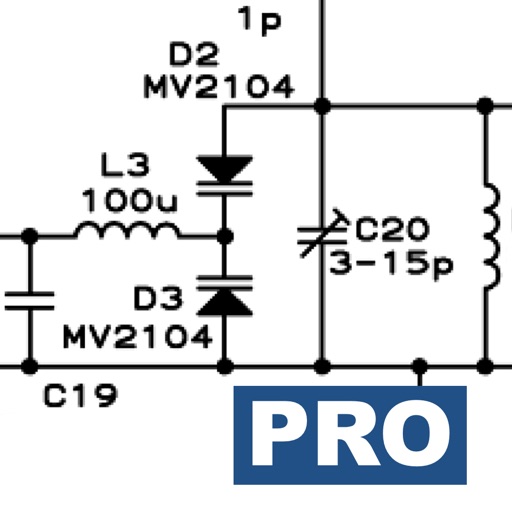
Calculate impedance and transmission line parameters. Analyze signal integrity and loss. Convert between frequency units. Simulate circuits. Calculate antenna parameters and resonance frequencies. Perform S-parameter calculations.
The Browning® Toolbox Technician™ app offers HVAC professionals calculation and conversion tools. It includes a GPS-enabled distributor locator and guides for installation and troubleshooting.
Track calculations with a step-by-step history. Perform basic arithmetic operations. Save and review previous steps. Calculate totals for budgets or shopping lists. Edit or clear individual steps. Export results as text.
Convert currencies and units with real-time exchange rates and accurate calculations. Switch between 174+ currencies and 192+ units. Track cryptocurrency values and adjust settings for preferred formats and languages.
The app tests internet connections using worldwide servers, displaying results in under 30 seconds. It analyzes Wifi, 2G, 3G, 4G, 5G, Cable, and Fiber connections, functioning as a Wi-Fi analyzer to ensure performance.
Monitor real-time internet speed and track data usage. Scan for connected devices and identify all networked equipment. Analyze WiFi performance and check connection quality. Perform IP scans to locate devices on your network.
Solve problems by typing or scanning with the camera. Receive step-by-step explanations for algebra, calculus, and graphing. Access detailed solutions for complex concepts.
Make decisions using interactive tools like random selection, spin arrows, fortune wheels, and rock-paper-scissors. Flip coins, generate random numbers, roll dice, and use a full-screen timer. Play with another device or alone.