Apps Like Sharingan Eye Camera - Ninja for iPhone and iPad
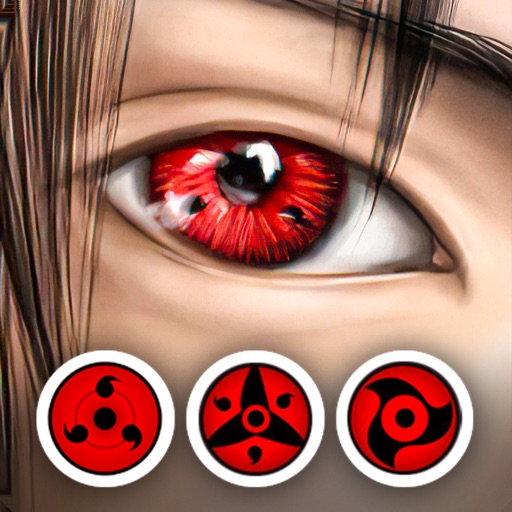
Edit photos with anime eye effects
Edit photos by applying lenses and eye effects. Choose from various eye types and colors. Add red circles for a hypnotic effect. Drag and adjust lenses for custom placement. Share edited photos directly.
by Achraf Fahim★ 4.5852 ratingsPhoto & VideoFreeData updated 2026-09-06
Edit photos with brightness, saturation, and contrast adjustments. Add text, stickers, and memes. Crop, rotate, and straighten images. Apply effects and frames. Sharpen or blur photos. Import images from the camera roll. Fix red tones.
Edit photos by typing descriptions to change outfits, body features, or backgrounds. Adjust specific image parts with AI. Swap objects and modify appearances. Export edited images directly.
Create before-after images by selecting two photos. Automatically arrange them in an optimal layout. Add customizable borders and a professional watermark. Include censor-bars on eyes for privacy. Share the final image directly.
Edit photos with unblur, object removal, and background cleanup tools. Apply AI filters, artistic styles, and motion effects. Create photo animations with one tap. Export and share edited images directly.
Capture and edit high-quality wedding photos and videos. Adjust colors, crop images, and add filters. Export in various formats and share directly. Sync with cloud storage for backup and editing.
Apply live selfie , 3D masks, and cartoon effects in real time. Use AR camera lenses and voice-changing effects. Record videos with creative tools. Transform faces instantly and save edited moments.
Create AI-powered videos from photos with one-tap editing. Choose from templates and apply effects. Adjust beauty, style, muscles, makeup, and backgrounds. Export videos directly.
Edit photos with custom filters and apply effects. Save and share edited images. Set 4K and live lock screens. Choose from categorized backgrounds. Edit and customize photos for personalization. Export and share edited content directly.
Convert photos into or vector styles using AI. Apply over 100 background effects. Edit portraits with customizable avatars. Share edited images directly.
Edit photos with AI-powered enhancements, filters, and effects. Crop, rotate, and adjust brightness, contrast, and saturation. Add text, stickers, and borders. Export in various formats and share directly.
Allows users to create multiple accounts with unique usernames and passwords. Users can switch between accounts to hide sensitive data. Each account can store encrypted files and messages. Users can set up different access levels for each account.
Capture photos and videos using Bracketing, Slow Shutter, and Time-lapse modes. Adjust exposure, focus, and white balance manually. Export raw files and share directly. Sync with Apple Health for activity tracking.