Apps Like OP Auto Clicker: Automatic Tap for iPhone and iPad
Click automatically, repeat tasks
Automate repetitive clicking tasks like liking, snatching items, grabbing tickets, and completing game actions. Use four modes: Single Target, Multi-Target, Refresh, and Scroll. Adjust click intervals and durations.
by HK MobiUnity Technology Limited★ 4.51,068 ratingsUtilitiesFreeData updated 2026-09-06
Use the built-in dog with adjustable frequency up to 40000 Hz. Access a dog with multiple sound options. Follow training lessons for and training. Listen to animal sounds for guidance.
Count up or down by tapping. Customize the display and reset the . Adjust values manually or through quick taps. Features include editing, resetting, and a user-friendly interface.
Enable touch and refresh functions with one-click settings. Perform continuous scrolling and use a floating clock for real-time tracking. Simplify operations with a user-friendly interface and quick point connection.
With customizable options, images, and voting settings. Share via multiple messaging and email platforms. View real-time results and manage poll visibility without requiring an account.
Track and manage counters with customizable colors and sorting options. Use hotkeys and right-click for quick actions. View counting history and total values. Set auto-reset and last change timers. Access widgets on home and lock screens.
Create polls in under 20 seconds and share them via WhatsApp, Telegram, iMessage, Messenger, Facebook, and other platforms. Allow respondents to reply through a browser or by downloading the . Receive notifications whenever someone submits an answer.
Analyze social media profiles to identify strengths and growth areas. Generate customized content ideas based on audience and niche. Automatically create video scripts for social media. Evaluate video performance to enhance engagement.
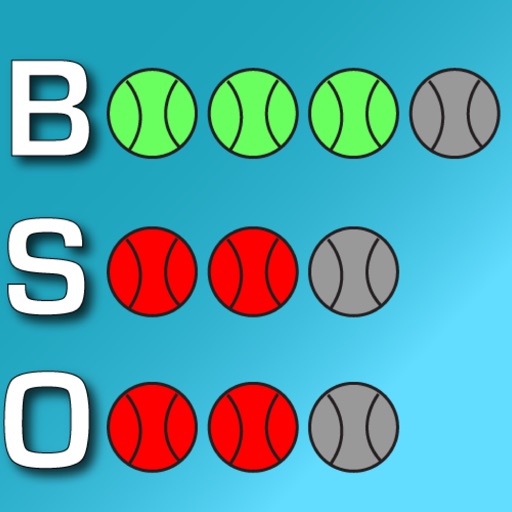
Track game details like pitch count, outs, score, and inning. Log pitches and strikes. View real-time updates and share game stats with others. Set reminders for key moments during the game.
Zoom in with high magnification for detailed viewing. Use for low-light clarity. Freeze motion to stabilize images. Capture macro photos with high-quality resolution. Adjust magnification ratio and brightness settings.