Reduce image noise in RAW photos using local processing to maintain natural tones and details. Edit noise reduction settings and preview results in real time. Export processed images for use in HDR-compatible devices.
Convert to JPEG or PNG with adjustable compression ratios. Use multi-threading for faster processing. Preserve or remove metadata. Process files locally without internet. No ads or data collection. Features a simple, minimalist interface.
Convert images to various formats including PDF, SVG, , GIF, PNG, BMP, TIFF, PSD, WEBP, EPS, and others. Save converted files directly to device storage. Open and edit supported formats within the . Share converted images via email or messaging apps.
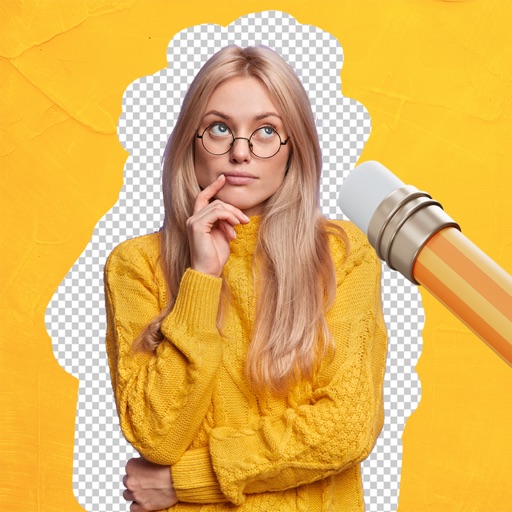
Remove backgrounds from images using AI-powered tools. Select areas to erase and automatically cut out subjects. Export as transparent PNG files. Adjust edges and refine results manually. Share edited images directly.
Load photos from a table. Add text or image watermarks with customizable font, color, opacity, and positioning options. Resize photos to desired dimensions. Export in PNG, TIFF, JPG, GIF, BMP, JP2, or HEIF formats.
The app converts PDF pages into JPEG, JPEG2000, PNG, TIFF, and BMP image formats. It offers batch conversion of hundreds of files with options for image quality, resolution, and colorspace.
Compress images to reduce file size without quality loss. Supports multiple formats including PNG, JPEG, WebP, GIF, HEIC, HEIF, and PDF. Compress directly on the device without uploading. Works offline and provides compressed files instantly.
Convert videos into high-quality photos with original resolution. Capture still frames from videos for moving subjects like babies and pets. Save consecutive frames as separate photos.