Allows users to perform basic arithmetic operations including addition, subtraction, multiplication, and division. It supports percentages, parentheses, and expression editing.
With symbolic algebra, equation solving, and calculus functions. Supports fractions, repeating decimals, and high-precision numbers. Displays results as simplified expressions or numerical values.
The app records every calculation step, allowing users to modify any step and recalculate without re-entering data. It functions like a printing calculator with a paper tape history for clarity and ease of use.
Perform basic and scientific calculations with equation display and history tracking. Switch between binary, octal, decimal, and hexadecimal modes. Calculate fractions directly. Use widget for quick computations.
Learn and practice creating by selecting cations and anions. The generates correct formulas with proper subscripts and parentheses. Reinforce naming rules and charge balancing through interactive exercises.
The app provides real-time calculation results as users type, allowing them to see and edit the entire calculation at any position. It supports calculations of almost any length with an unlimited undo and redo feature.
Perform arithmetic operations on numbers in bases 2 to 36. Convert between number bases. Input numbers in various bases. Handle signed and unsigned negative numbers using two's complement. Support fractions with up to 8 decimal places.
Calculate prices using entered and quantity. Compare up to six items simultaneously. Input values as numbers or formulas. Adjust for shipping fees, service fees, item quantity changes, and discounts. Export results for further analysis.
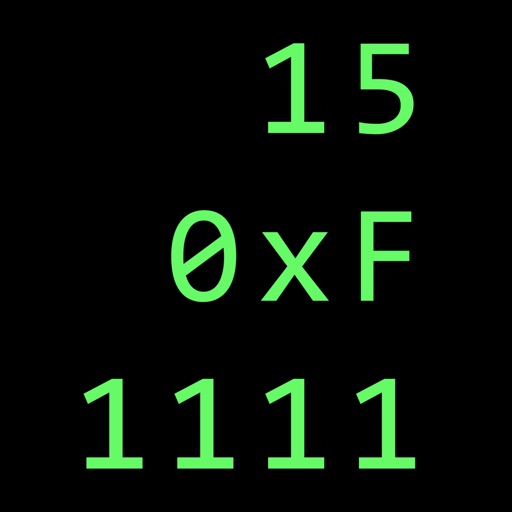
Calculate in binary, hex, and decimal simultaneously
Convert numbers between binary, hexadecimal, and decimal bases. Display all three bases simultaneously. Switch input modes and see results in all bases. Perform arithmetic, logic, and bitwise operations. Support unsigned and 2’s complement numbers.
Create spreadsheets with touch-based data entry and formula creation. Calculate values, visualize data in charts, and export reports as PDF. Define custom functions for advanced data analysis. Set up templates and manage multiple worksheets.
Create and manage tables with customizable columns and cell formatting. Save personal information, recipes, schedules, and timetables. Set item names and adjust text and background colors for cells.
Perform complex calculations using 12 built-in calculators including scientific, financial, and unit conversion tools. Input formulas with three modes: standard, string, and RPN.
Perform complex calculations with support for real and complex numbers. Manipulate symbolic expressions and use over 225 built-in functions. Scroll through results with finger gestures. Copy and paste data for easy sharing.