Edit with filters, stickers, and emojis. Create photomontages with built-in effects. Apply artistic tools for detailed edits. Add with customizable fonts and colors. Export and share edited images directly.
The app allows users to create animated GIFs from photos and videos. Users can edit existing GIFs or create new ones using stop-motion mode, then share them as files or links.
Capture photos with chromatic aberration and grain
Capture photos with a realistic interface. Adjust focus by tapping. Use manual or automatic wind with force feedback. Apply chromatic aberration and grain effects. Choose development time settings. Preview photos instantly.
Edit photos with filters, effects, and text tools. Add stickers, shapes, and draw over images. Adjust colors, lighting, and focus. Crop, resize, and enhance details. Apply tone curves and retouch features. Export and share edited photos.
Convert photos into portraits using AI technology. Edit and customize images. Share creations on social media or use as digital invitations. Add text and stickers to images. Export in various formats.
Take photos with a variety of film-style filters applied randomly. Adjust brightness, contrast, and saturation. Share edited photos directly to social media or messaging apps.
Capture photos and videos with retro film filters and analog textures. Adjust exposure, contrast, and grain. Apply vintage color effects and scan-to-video conversion. Share edited media directly to social platforms.
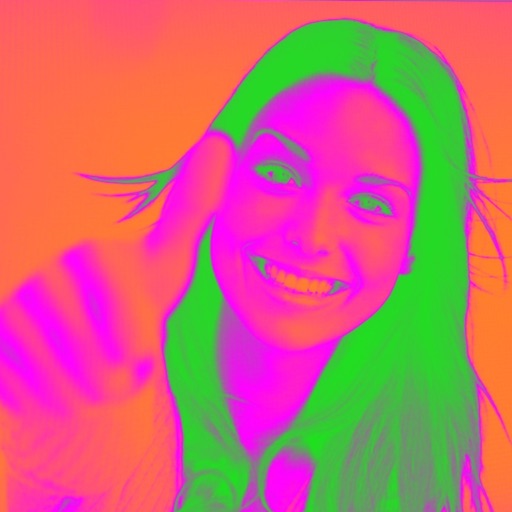
Turn your camera into a creative tool with . Apply fluorescent color filters to photos. Choose from 30 color combinations. Tap to switch views and capture images with unique color effects. Share edited photos directly.
To messages by snapping a photo and dragging it onto a conversation. Customize reactions facial expressions. Share reactions directly within iMessage conversations.
Create reflection effects with left-right, up-down, or repeat options. Apply effects and designer frames to enhanced images. Select from gallery or capture new photos for editing. Export and share edited images.
Edit photos adjustable temperature, tint, and exposure settings. Use texture blending tools and apply effects. Add stickers opacity and shadow control, and include text 3D effects and multiple fonts. Crop, rotate, and straighten images.