Transform your phone into a wireless , keyboard, and trackpad for your computer. Control cursor movement, type on virtual keys, and use multi-touch gestures. Manage computer power states and navigate media playback remotely.
Send GIFs, memes, and directly from your keyboard. Search for trending content with smart suggestions. Save favorites for quick access. Share one-tap to iMessage, WhatsApp, Snapchat, and other apps. Works within any application.
With interactive games and training modes targeting different learning aspects. Use a real system keyboard for . Improve proficiency and speed through structured exercises.
Type words using an English through . Input pronunciation in English to get instant text. Accepts multiple input spellings for accurate results. No need for separate layouts.
Connects to Telnet Server with Terminal window and barcode support
The app connects to a Telnet Server via iPhone or iPad. It offers VT220 Terminal window with standard emulation features and supports multiple barcode scanners.
Offers real-time grammar and spelling corrections as you type. It detects errors instantly and suggests fixes. The allows intelligent rewriting of messages with a single tap. Users can customize layouts and access predictive text suggestions.
Use a full QWERTY on Apple , including older models. Type messages via Messages . Support extended Latin characters for multiple languages. Enable typing on wrist-sized devices.
Create and manage lists with auto-suggestions for products. Add, edit, and delete items. Set reminders and organize items into categories. Sync across devices and share lists with others.
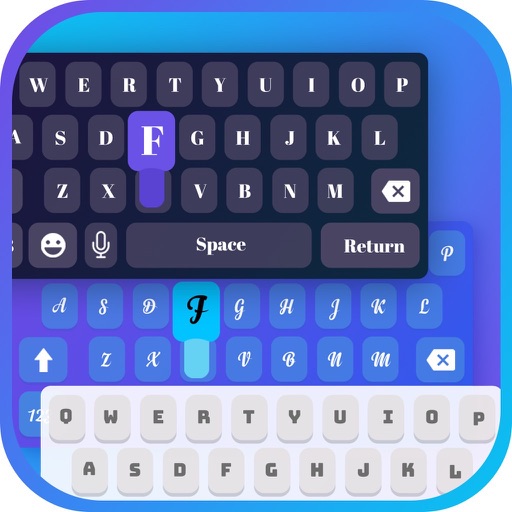
Type text directly in any that accepts input using customizable fonts, symbols, and emojis. Install and use instantly without copy-pasting. Access a variety of font collections for creative text input.
Enables typing in by setting it as the default input method. It organizes letters alphabetically for easy access. Users can write on supported platforms like Facebook and Google without additional steps.