Create pixel art with automatic double pixel removal for precise line art. Use round, square, and matrix dither brushes. Draw lines locked to isometric angles. Create rectangles and ellipses. Manage layers for animated projects.
Sketch directly on the screen with pressure-sensitive tools. Adjust brush size and opacity. Rotate, resize, and move drawings. Save and share artwork in various formats. Export as vector or raster files.
Learn to draw with step-by-step tutorials covering animals, cartoons, and flowers. Practice by tracing images or sketching freely. Save and share completed artwork.
Create digital art using tools like paper, brushes, pencils, pens, and markers. Adjust brush pressure and opacity. Layer artwork and apply textures. Export in various formats and share directly.
Backgrounds from photos with precision, save images with transparent backgrounds, or replace them with custom ones. Edit photos by adding filters, drawing, inserting text, and applying stickers to create professional images and social media content.
Create pixel art sprites with drawing tools and a powerful engine. Open and edit pixel art files from Files. Use iCloud Drive for cloud storage. Support Apple for precise input. Import and customize color palettes.
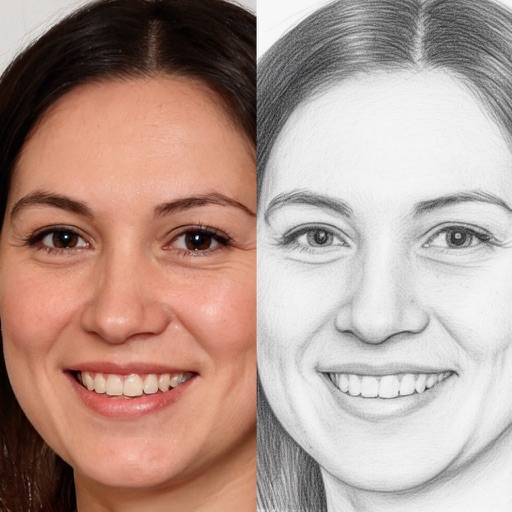
Create and refine sketches with AI assistance. Draw, erase, and edit freely. Generate multiple variations from a single sketch. Export images in various formats and share directly.
Create 2D animations and videos frame by frame. Use multi-track timelines and keyframes for motion. Record motion or effects easily. Access 300 textured brushes for drawing. Export animations in various formats.
Create and edit visual content using AI-powered tools. Generate images, videos, and designs with text prompts. Customize styles, colors, and layouts. Export and share finished projects directly.