Adjust exposure, focus, and white balance manually. Capture images in RAW DNG format. Save photos to roll. Access advanced controls for precise adjustments. Replace automatic settings with custom configurations.
Record videos with facial tracking to animate photos as celebrities, politicians, or paintings. Switch between multiple faces in a single image. Share videos on social media platforms like Instagram, TikTok, and Facebook.
Capture photos and record videos without activating the . Use autofocus, image stabilization, and scene recognition for clear, well-composed shots. Record in low-light conditions without disturbing the surroundings. Share media directly from the .
Edit photos with brightness, saturation, and contrast adjustments. Add text, stickers, and memes. Crop, rotate, and straighten images. Apply effects and frames. Sharpen or blur photos. Import images from the camera roll. Fix red tones.
Edit photos with painting effects, filters, and artistic styles. Apply customizable brush strokes and color adjustments. Save and share edited images directly.
Convert photos to style with adjustable contrast, brightness, and sharpness. Import images from the album or capture new photos via the built-in camera. Save cartoons to the album or email them directly.
MILKYWAY OYUN YAZILIM BILISIM SANAYI TICARET ANONIM SIRKETI
Swap faces, animate, and create videos
Create AI-generated videos by swapping faces in photos. Edit animations, adjust timing, and apply filters. Export videos to social media platforms. Share creations directly from the .
Capture photos and videos advanced professional tools. Adjust exposure, , and white balance. Edit images filters, cropping, and retouching. Share directly to social media or save in high-resolution formats.
Edit videos by merging and combining clips, creating slideshows, and adding music. Apply filters and effects like Glitch, Retro, and VHS. Adjust tone with contrast and brightness controls.
Capture photos of the moon by aligning the camera manually. Adjust moon size with two fingers. Tap to autofocus or manually adjust focus. Modify brightness using +/- buttons for better detail. Press the circular button to take a photo.
Capture low-light and night photos and videos with enhanced clarity and brightness. Record 4K time lapses and use Astronomy modes to capture stars and Northern Lights. Enable long exposure for detailed night scenes.
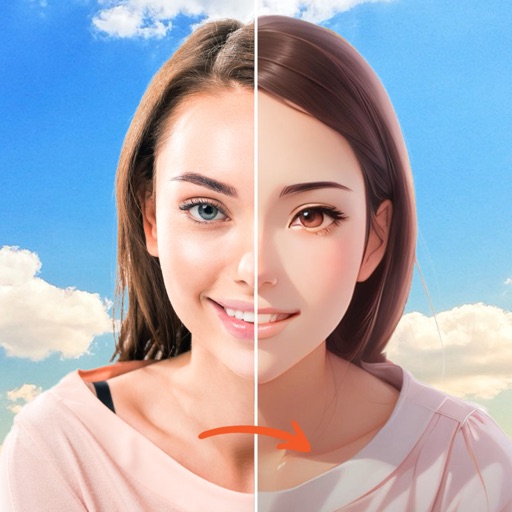
Edit photos with realistic AI face swap technology. Replace faces with accurate details and natural expressions. Add filters and adjust lighting. Export edited images and share directly. Create images using AI based on parents' photos.
Apply to photos with one tap. Choose from Gaussian or zoom styles. Adjust intensity and area of focus. Export edited images in various formats and share directly.
Arthur Eduardo Skaetta Alvarez Desenvolvimento de Software LTDA.
Apply depth effects to selfie videos
Lets users apply and adjust depth effects to selfie videos. They can preview each frame in real time before exporting. Users tap to share edited videos directly. The functions without an internet connection.
Edit photos with crop, rotate, exposure, color, sharpness, and resize tools. Create grid collages and edit individual images. Access presets, clone tool, and fine curve adjustments for detailed edits. Export and share edited photos directly.
Capture 360° images and videos with a single click. Control the turntable and Smart Dome to create immersive visuals. Edit and export content directly within the . Fix bugs and improve performance based on user feedback.
Capture high-resolution close-up photos of your eye without a special . Use AI to identify the iris and remove blur, reflections, and noise. View detailed textures and true colors of your eye. Share the resulting image directly.
Edit photos with filters, contrast, brightness, and color adjustments. Add text, stickers, and drawing tools. Customize images and landscapes. Export in high quality. Access a free image library. Apply advanced editing features.