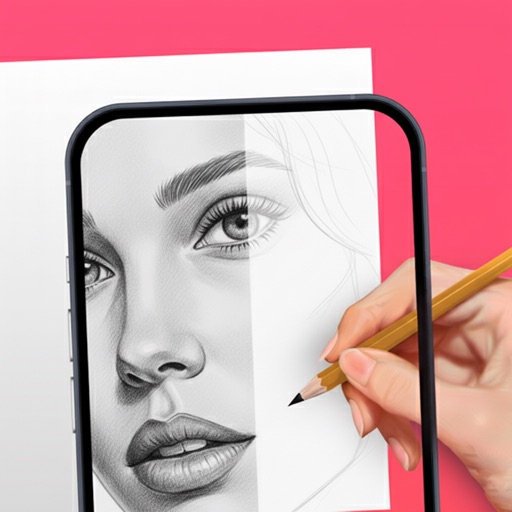
Use camera to and in real-world environments. Apply colors and textures with touch gestures. Adjust brush size and opacity. Save and share drawings directly. Sync with design tools for further editing.
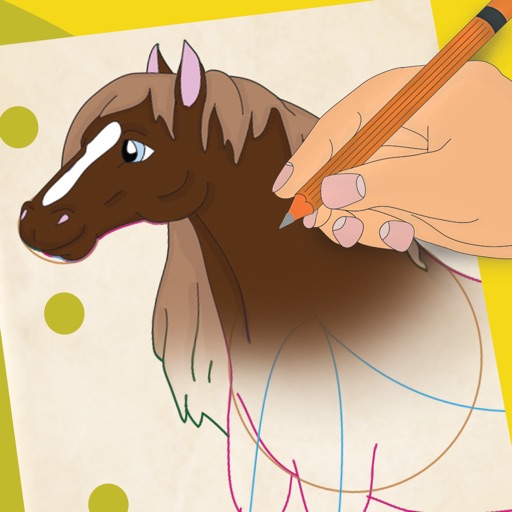
Learn to 10 through 8 step-by-step lessons. Choose an animal, follow guided instructions, and create drawings anywhere. Save and share completed artwork.
Create and view drawings in real-time using AR technology. and on screen with customizable tools. Export artwork in various formats and share directly. Adjust colors, brush sizes, and layers for detailed editing.
Create paths by drawing lines to connect two balls using objects. Objects and balls interact based on real physics. Adjust paths to guide balls toward each other. Test different solutions to complete levels.
Draw Anything with AR allows users to sketch and paint using augmented reality. Users can select or upload images and projected lines for accurate drawings. The provides templates for anime, chibi cars, and animals.
Create art using augmented reality features. Draw on real-world surfaces with AR overlays. Receive real-time feedback and guidance while sketching. Explore interactive tutorials and artistic tools to enhance drawing skills.
The app provides a drawing tool for users to create illustrations. Users can share their creations via email, save them to a photo album, or send them as illustrated tweets.
Select a from the collection. Crop a photo by pressing the silhouette button and drawing the desired area. Place the cropped image within the chosen scene. Share the final composition.