Convert handwritten notes into digital text with image capture and OCR technology. Correct spelling and grammar automatically. Export edited text as editable documents or share directly.
by Salila Rege★ 4.713 ratingsEducationFreeData updated 2026-09-06
Convert images and documents to editable using OCR scanning. , merge, and compress PDFs. Recognize and translate in over 50 languages. Save and share converted or PDFs directly.
Plan tasks with handwritten notes, doodles, and sketches. Switch between yearly, monthly, weekly, and daily views. Customize templates and retain past notes. Sync with Apple Calendar to view events directly.
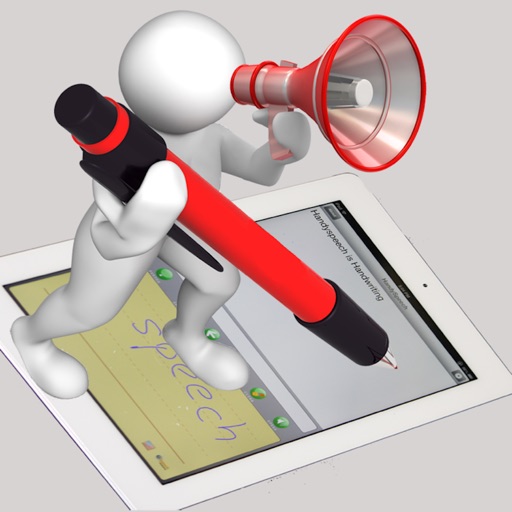
The app translates handwritten text into spoken language, offering a portable and accessible conversational tool. It learns handwriting styles, understands various writing forms, and supports multiple languages with natural-sounding voices.
Solve math problems with step-by-step explanations. Get personalized feedback on essays and assignments. Access instant solutions for various subjects. Track progress and receive targeted recommendations for improvement.
Rewrite AI-generated text to sound natural and undetectable. Remove AI patterns and rephrase content for originality. Integrate with writing tools for seamless editing and plagiarism checks.
Scan documents, receipts, and handwritten notes with high accuracy. Save scans as PDF or JPG. Share via email, Airdrop, Dropbox, and Virtual Mailbox. No ads, free to download. Organize and manage digital documents securely.
Take notes with text, handwriting, or keyboard input. Organize content into multiple notebooks. Insert images into notes for better context. Save unlimited drafts and memos for personal and academic use.